An alternate email address, also called an email alias, is a forwarding email address that an admin adds to a user's primary email address. Messages sent to the email alias automatically route to the user's primary email account's inbox.
For the use of Fulfill Engine, this will allow you to give each operator their own email log-in without creating individual emails tied to a unique inbox.
It is simple to set up! From fulfillengine.com you are able to Login and select Sign Up.
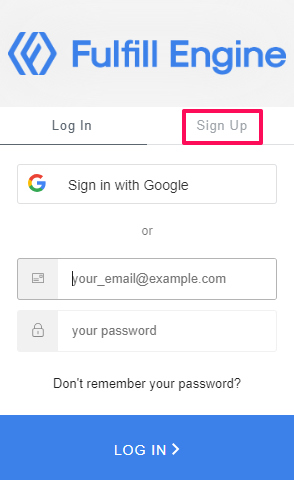
You will request a new login by using your administration email and adding + before your domain.
For example, if we use the administration email info@fulfillengine.com, we could add the Sign Up aliases info+john@fulfillengine.com or info+12345@fulfillengine.com. Each login will have it's own unique password.
An email will then be prompted to the administration email info@fulfillengine.com to approve the additional login.
This will give that individual a login and password into the Fulfillment Dashboard without the need to create their own inbox.