Set Up
The payment method(s) you set up within your Configuration is the payment method Fulfill Engine will use to automatically pull your software fees monthly.

If more then one method is set up, you will be prompted to select your default method.
The default payment method will also be connected to your Fulfill Engine wallet to prepay for orders being fulfilled by the Network.
The Fulfill Engine wallet is required for Seller Pro and Decorator Pro if intending to use the Network unless you have established terms with STAHLS' Fulfill Engine.
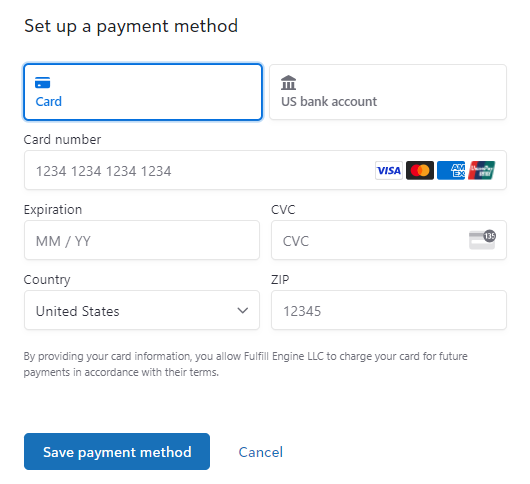
When setting up a new payment method, you have the option to add a card and/or a bank account (ACH).
Credit Cards will have a 3% processing fee added to all transactions.
ACH Payments can take up to 3 business days to process. If using an ACH to fund your wallet, it is recommended to set up auto-funding to not delay production.
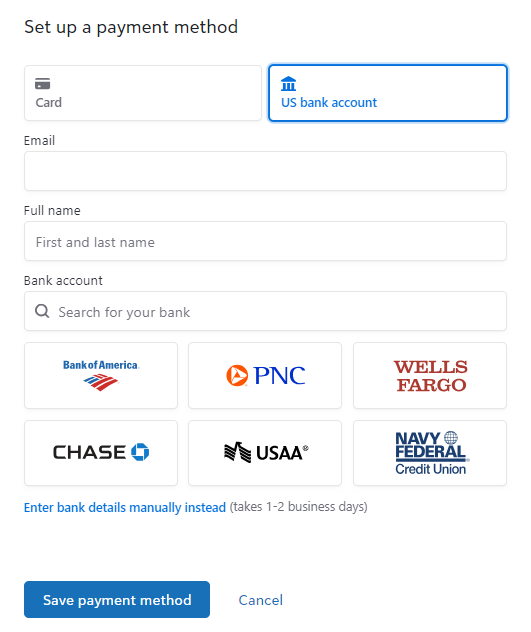
Unsuccessful ACH payments may result in a fee for failed payment processing.
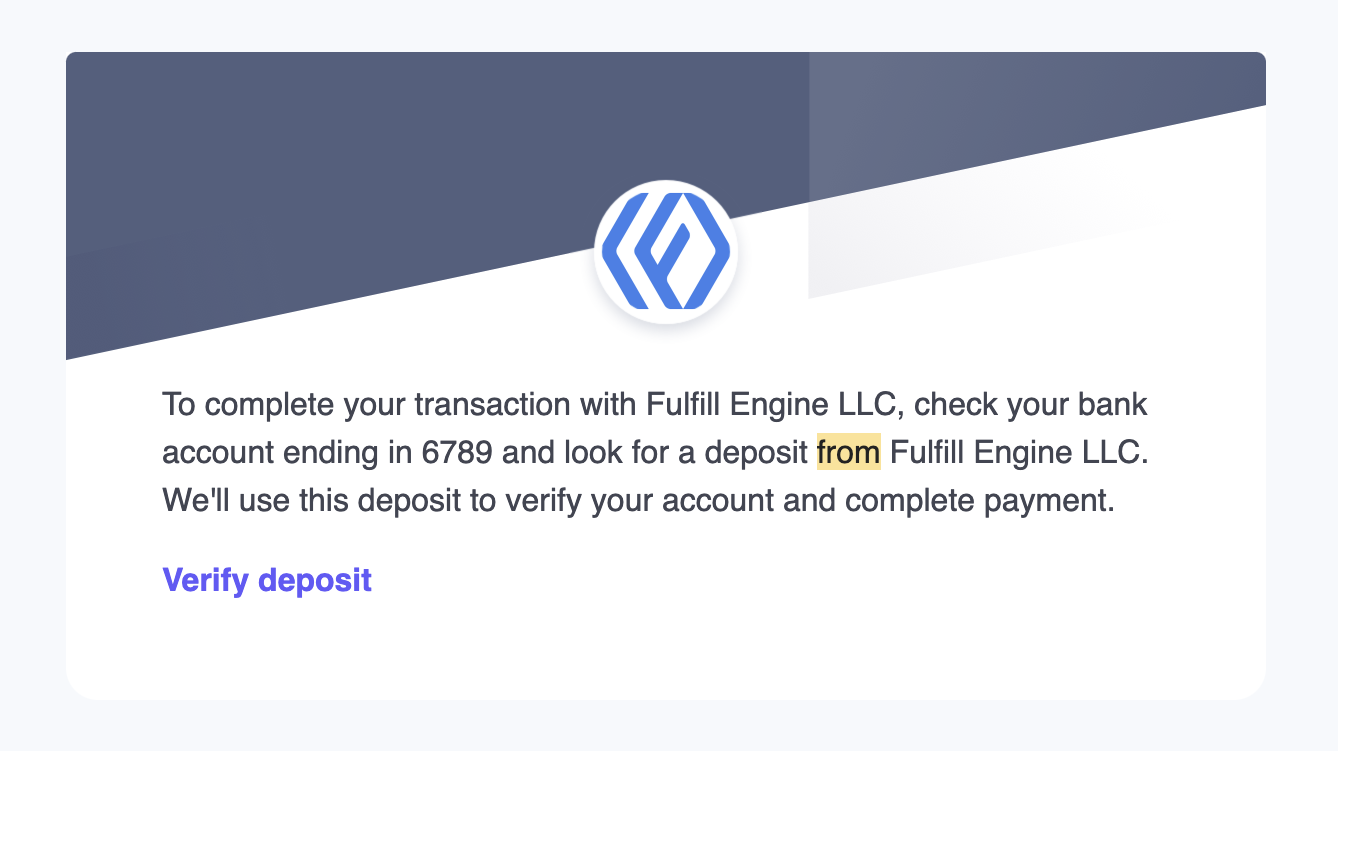
When a new payment method is added, you will see a small pending charge from Fulfill Engine that you will need to verify via email to connect the payment method to your Fulfill Engine account.
How Does the Wallet Work?
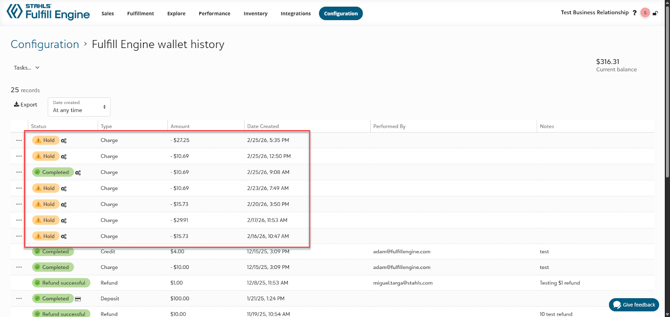
When an order is submitted, funds will be pulled from your Wallet to pre-pay for the costs of production. This is first shown as an authorized bank hold, as opposed to charging up front.
Payment will show completed once shipped.