Authenticated calls to the Fulfill Engine API require a Fulfill Engine account id and an API key.
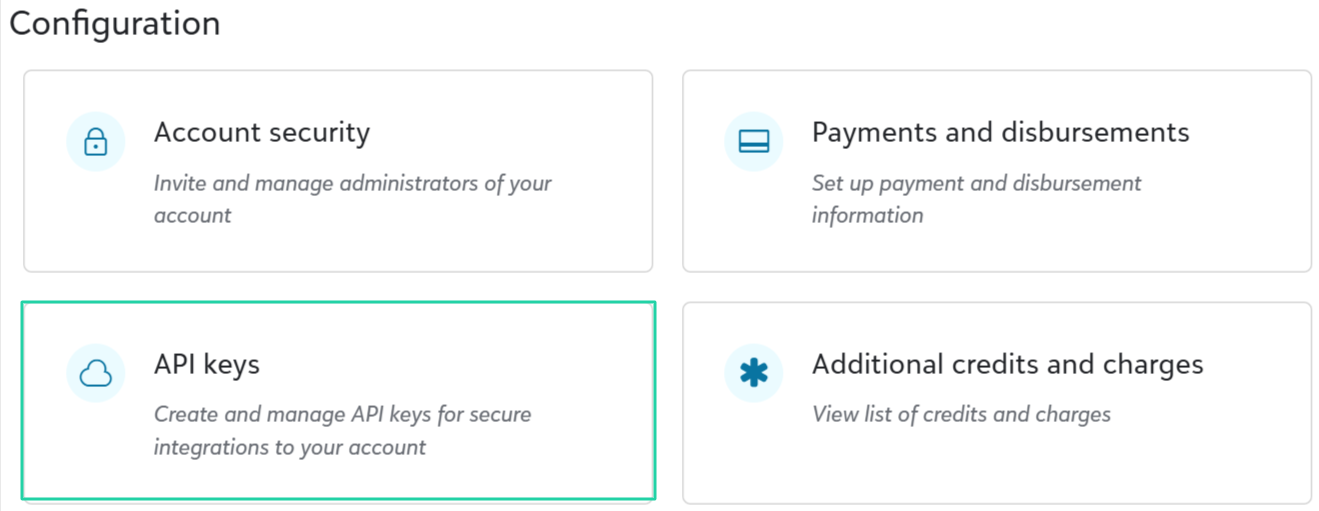
To get started, go to the Configuration section of the account record page in Fulfill Engine. Click API keys.
Seller Pro and Decorator Pro Accounts who desire an API key for their Sales Portal, you can reach out directly to info@fulfillengine.com. This API key would give you access to all accounts within the Sales Portal.
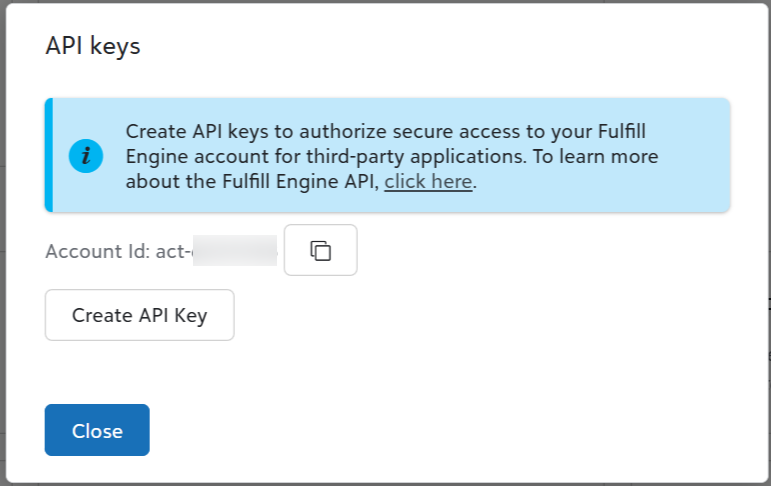
On the API keys form, click Create API key. Copy the generated API keys and account id, and store them in a secure file or key management solution.
The Fulfill Engine API key can be provided either via basic authentication or through the X-API-KEY header. See below for details on how to use each of these options.
- Basic Authentication
When using basic authentication, the username should match your account id and the password should match the API key provided to you.
- X-API-KEY Header
As an alternative to basic authentication, you can provide the API key directly as the value of the HTTP request header X-API-KEY... All API endpoints include the account id through the URL, so the provided key must correspond to the account id.