When the customer needs to stock a 3PL (pick and pack) item, they will do so in the form of a purchase order (PO). This PO has been completed within the system so when the items arrive, you are able to easily add them to available inventory.
Unlike on-demand orders, where you receive the order within your receiving station, your operator will go back into your warehouse dashboard and into Inventory.
You will receive 3PL POs from the Fulfillment tab.
Once within Receive purchase order, you will scan or enter in the ID number which will generate the inventory details.
If the 3PL item does not already have a weight or bin location, you will prompted to enter those details upon receival.
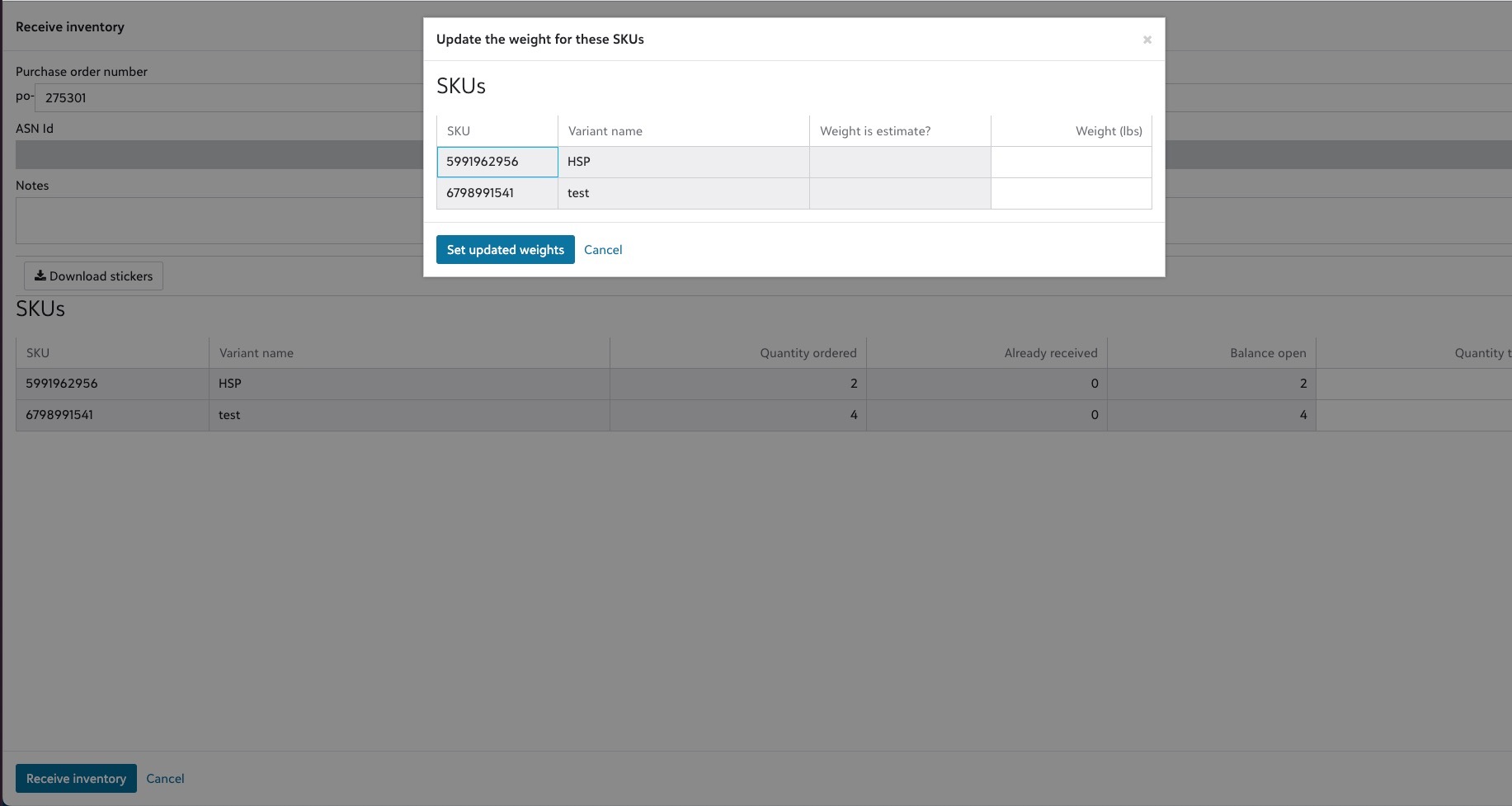
If this is a new 3PL product, you will be prompted to select a bin location, if it is a replacement the bin location will appear.