General
UV DTF and UV Print decoration methods
We've split the UV decoration method into two distinct methods - UV DTF and UV Print - to better specify the technique used on a given product.
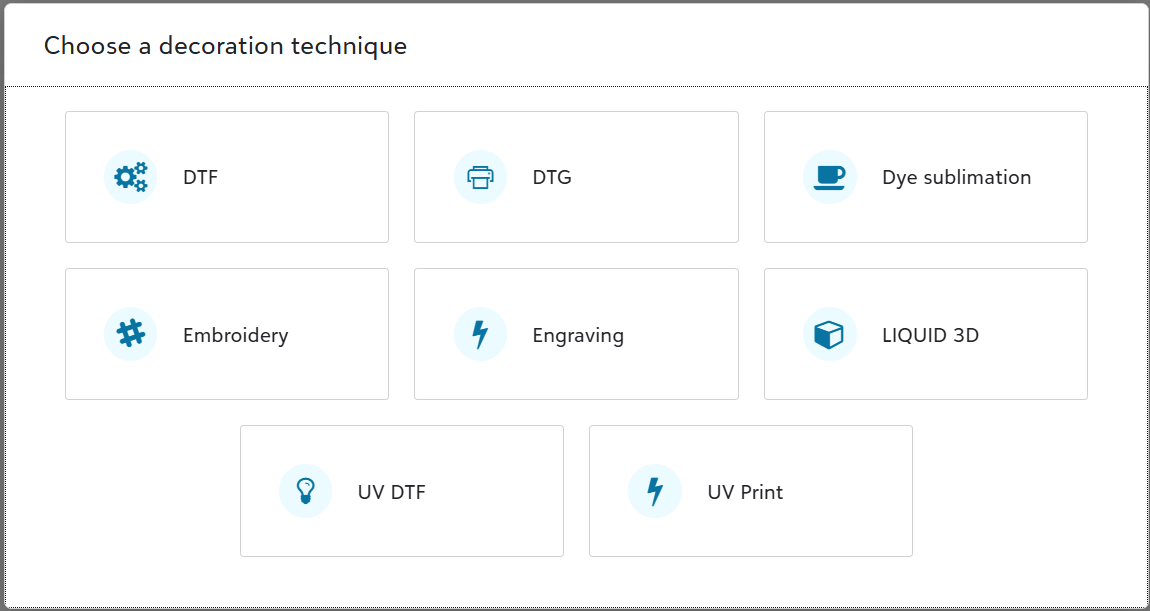
UV DTF involves printing artwork on a sticker that is hand applied to the blank item. It's most commonly used for spot artwork on hard-good products including drinkware, glass items, and leatherette items. To see 100+ Fulfill Engine Network catalog products eligible for UV DTF, click here.
UV Print involves printing directly onto the blank item, whether as spot artwork or the entire surface like a drinkware full-wrap design. To see 40+ Fulfill Engine Network catalog products eligible for UV Print, click here.
Sales and warehouse administrators can configure UV DTF and UV Print separately, in the same areas where other decoration methods are configurable:
- Set decoration fees on price sheets
- Set store-supported decoration methods
- Set order portal decoration methods
- Set allowed decoration methods for accounts and stores
- Set in-house decoration methods
Sales
New hard-good products from Spoke Custom
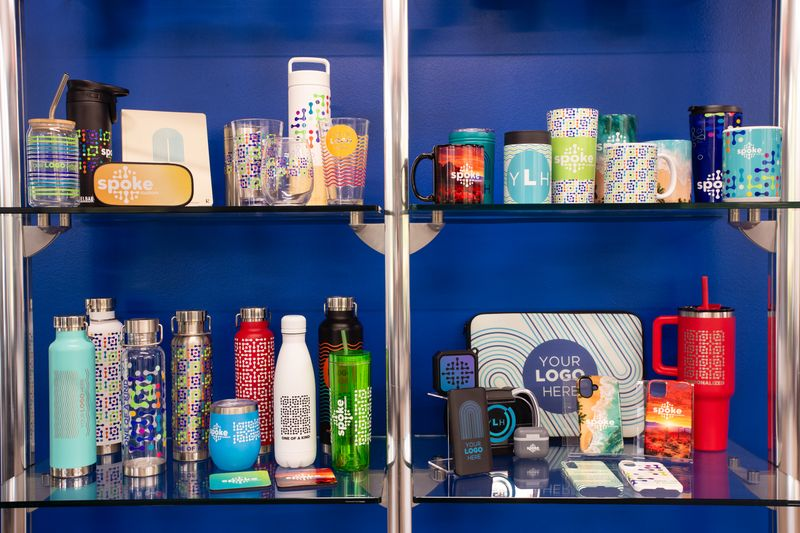
Offer a variety of premium hard-good products to your customers with our newest partner, Spoke Custom. A PCNA company, Spoke Custom is the largest hard-good decorator in print-on-demand, with an extensive selection of products across drinkware, home and office, and technology categories from brands like CamelBak, Welly, Klean Kanteen, Arctic Zone, and more.
Access 67 Spoke Custom products in our Fulfill Engine Network product catalog today, with more coming soon. To find these new products, search 'Spoke'.
- No minimums. Order any quantity on demand with automated production.
- Choose your decoration method:
- Dye Sublimation on drinkware, blankets, mats, laptop sleeves + more
- UV Print on drinkware, tech products, notebooks, food storage + more
- Engraving on drinkware
All-in pricing
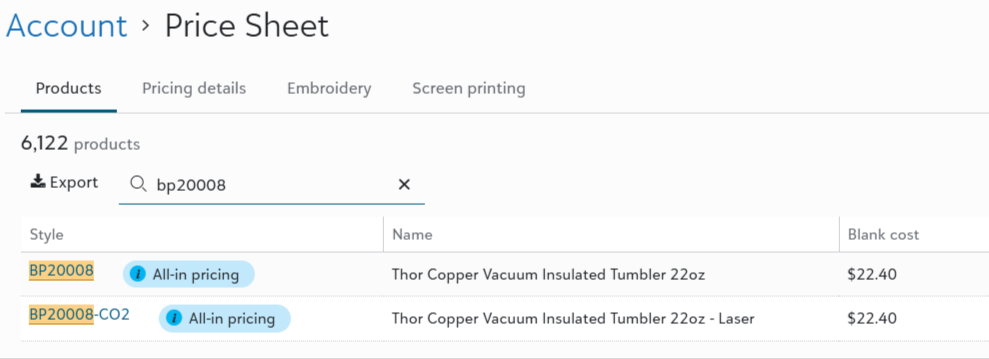
Spoke Custom products follow an all-in pricing model, meaning the item costs don't include separate lines for the blank good and decoration. You only pay the blank cost.
An All-in pricing pill will display for products that use this new pricing model.
Split fulfillment
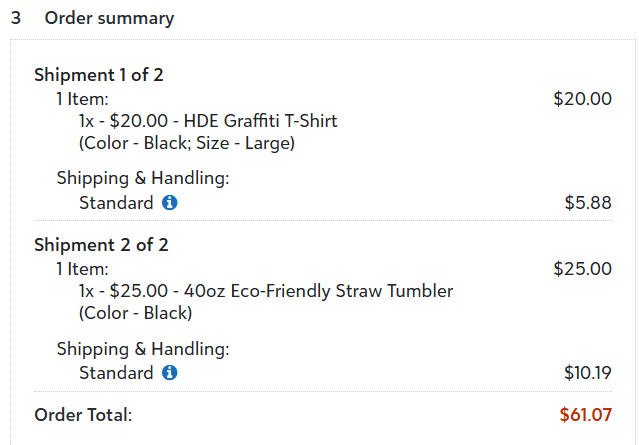
With the introduction of Spoke Custom, whose products are exclusively available through and decorated by them, it's now possible for a multi-item order to route to multiple decorators for fulfillment. Each decorator will ship their respective order items directly to the customer. This split fulfillment experience will only occur when the order cannot be fulfilled completely by a single decorator location. In this case, Fulfill Engine will assign a shipping charge to your customer account for each shipment.
At this time, split fulfillment only occurs on orders that route to the Fulfill Engine Network. In the future, we intend to offer decorators the option to split customer orders between in-house and Network fulfillment.
Make products or SKUs unavailable
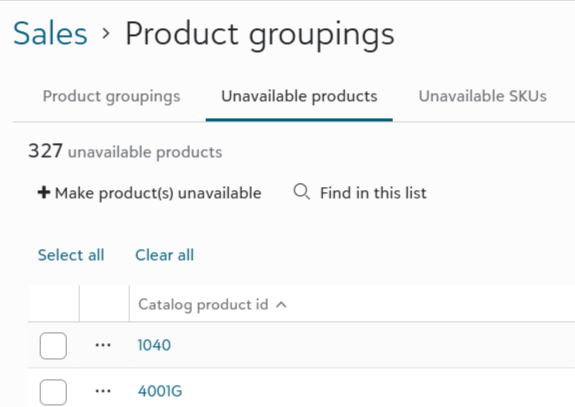
Sales administrators have a new option to make specified products or SKUs unavailable across all product groupings.
To access this new capability, click Sales > Product groupings, then click the Unavailable products or Unavailable SKUs tab. Unavailable products will be hidden from users in the product catalog and storefronts. Unavailable SKUs will display as Out of stock. Orders cannot be placed for unavailable products or SKUs.
GTIN column for orders import
Use the GTIN column option to uniquely identify an order item's catalog product when importing orders.
To learn more about the Import orders feature, click here.
More columns on Export order items file
Sales administrators can now view more columns when they download the Export order items file on an account's Orders list.
- SKU
- PurchaseOrderId
- Supplier
- AccountInvoice_Materials
- AccountInvoice_Decoration
To access this export file, click Sales > Accounts > {Account} > View orders > Export... > Export order items.
Set vendor SKU, description, and cost when importing 3PL products from Shopify
We've updated the Import 3PL products from Shopify and Import single 3PL product from Shopify tasks on Shopify stores to set the following 3PL product field values in Fulfill Engine:
- Vendor SKU
- Description
- Cost
Fulfillment
View stale items on performance dashboard
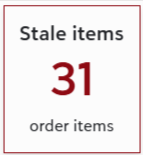
Warehouse leaders can now quickly view open order items whose last activity is 2+ business days old.
To view stale items in your warehouse, click Performance > Performance dashboard > Stale items. The list includes columns with details on the item's last scan and activity.
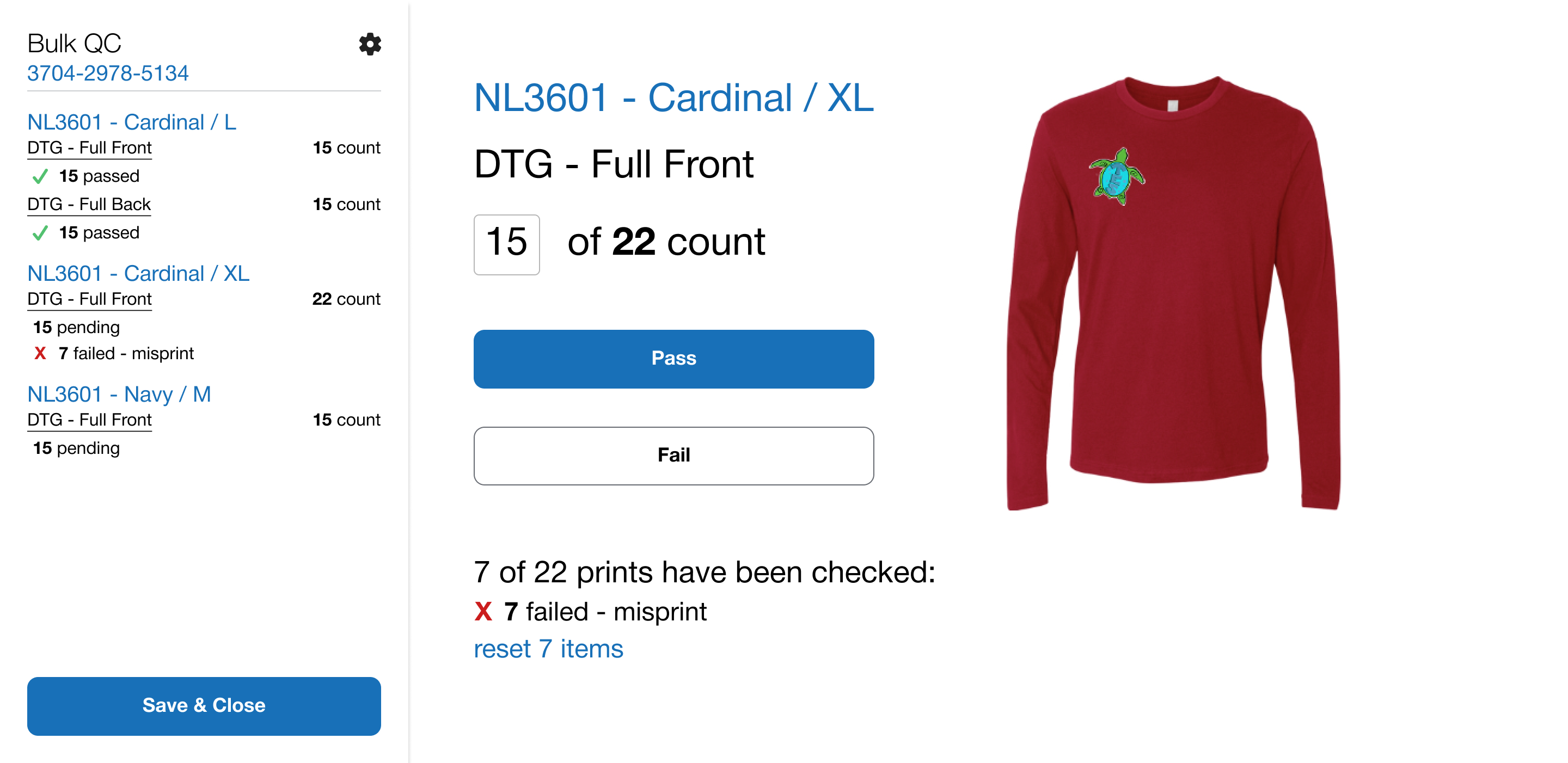
Pass/fail subset of items in a bulk decoration job
QC operators can now specify how many items in a bulk decoration job to pass or fail when performing a quality control check. Failed items will be unreceived and automatically added to the open batch for reordering.
API and Integrations
Submit custom embroidery details via API
Use new properties on the Create order endpoint to specify custom embroidery details for an order item, such as a player or employee name below a logo. Fulfill Engine processes the customization data provided in the order request to generate a DST file for the decorator.
Validate order via API
Use the new Validate order endpoint to identify validation errors ahead of submitting a live customer order request.
Cancel individual order items via API
Use the Cancel order item endpoint to cancel individual order items without affecting the rest of the order.
New webhooks for order created and order item cancelled
If you use our webhooks for your integration, we've added new event types you can subscribe to:
- order_created
- order_item_cancelled