Sales
New on-demand products: jewelry, ornaments and wrapping paper
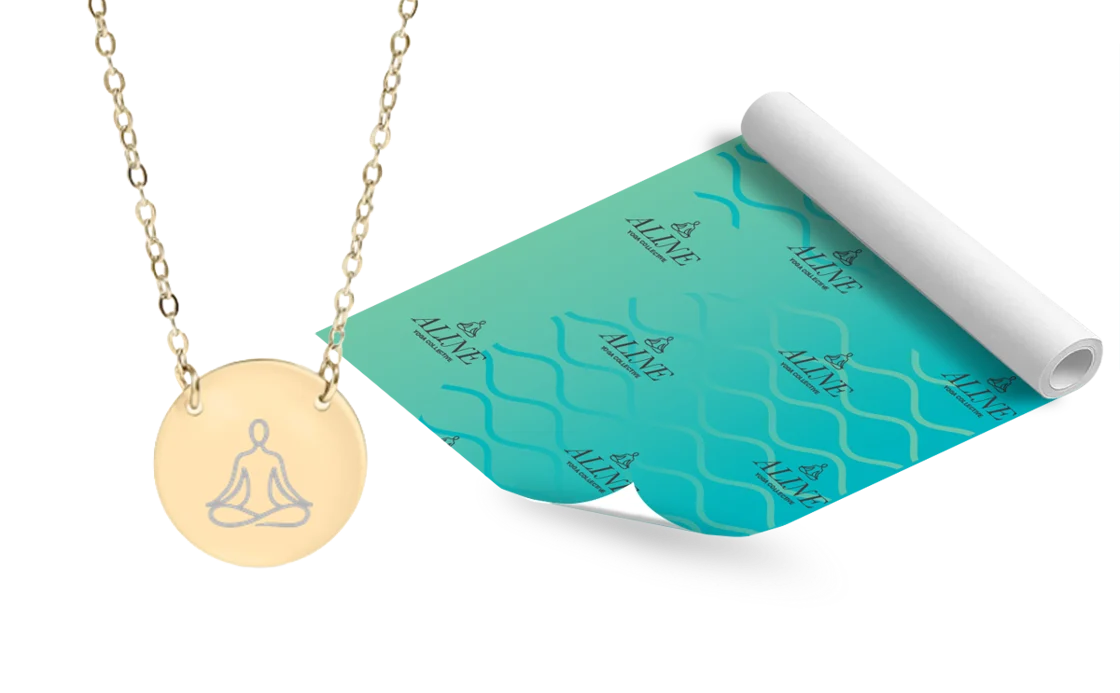
Add a polished finishing touch to your store offerings. New custom engraved jewelry, ornaments and personalized wrapping paper make for high-margin, high-impact holiday additions for your customers. All with no minimum quantity restrictions.
Jewelry Ornaments Wrapping Paper
Set image customizations on store products
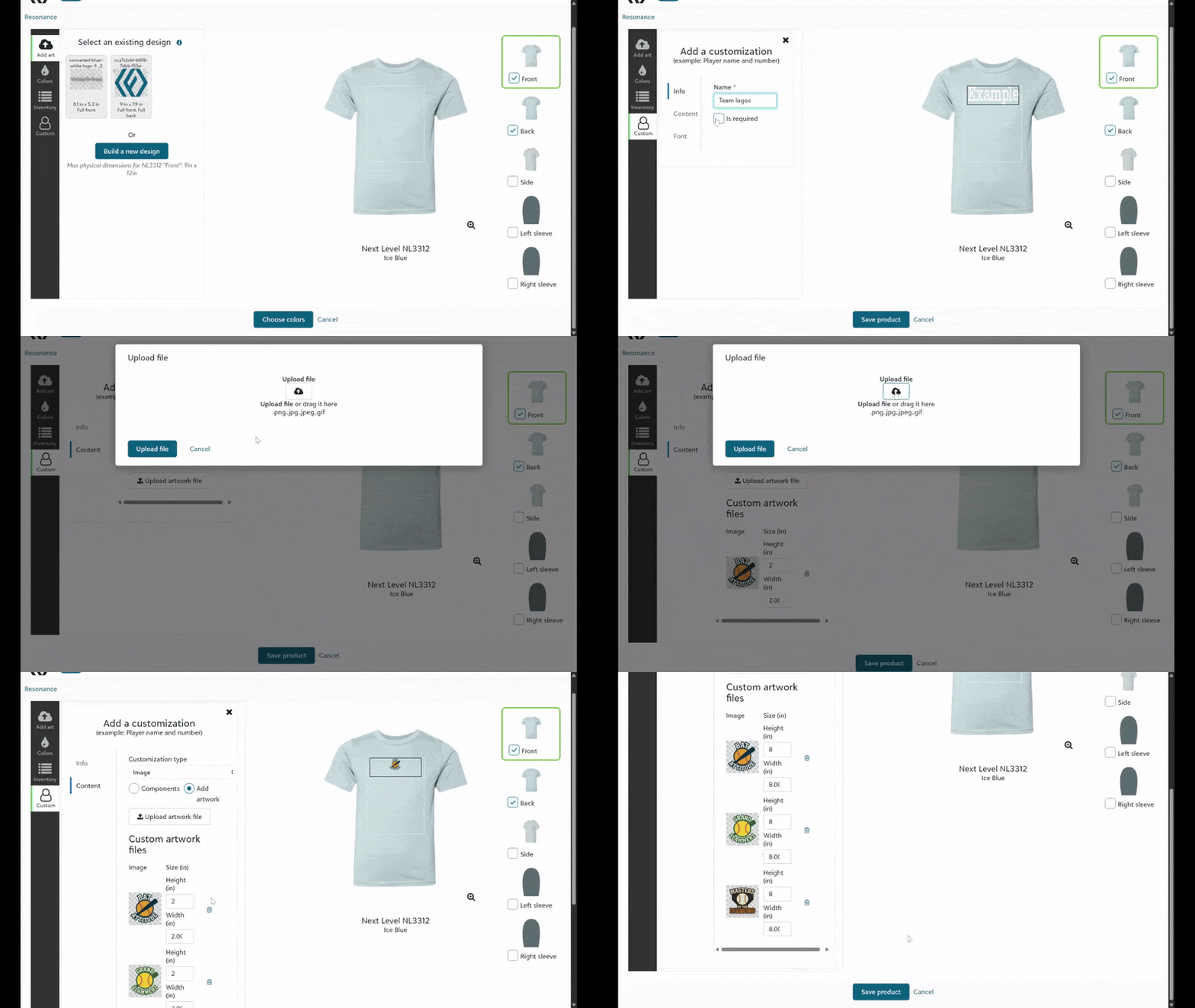
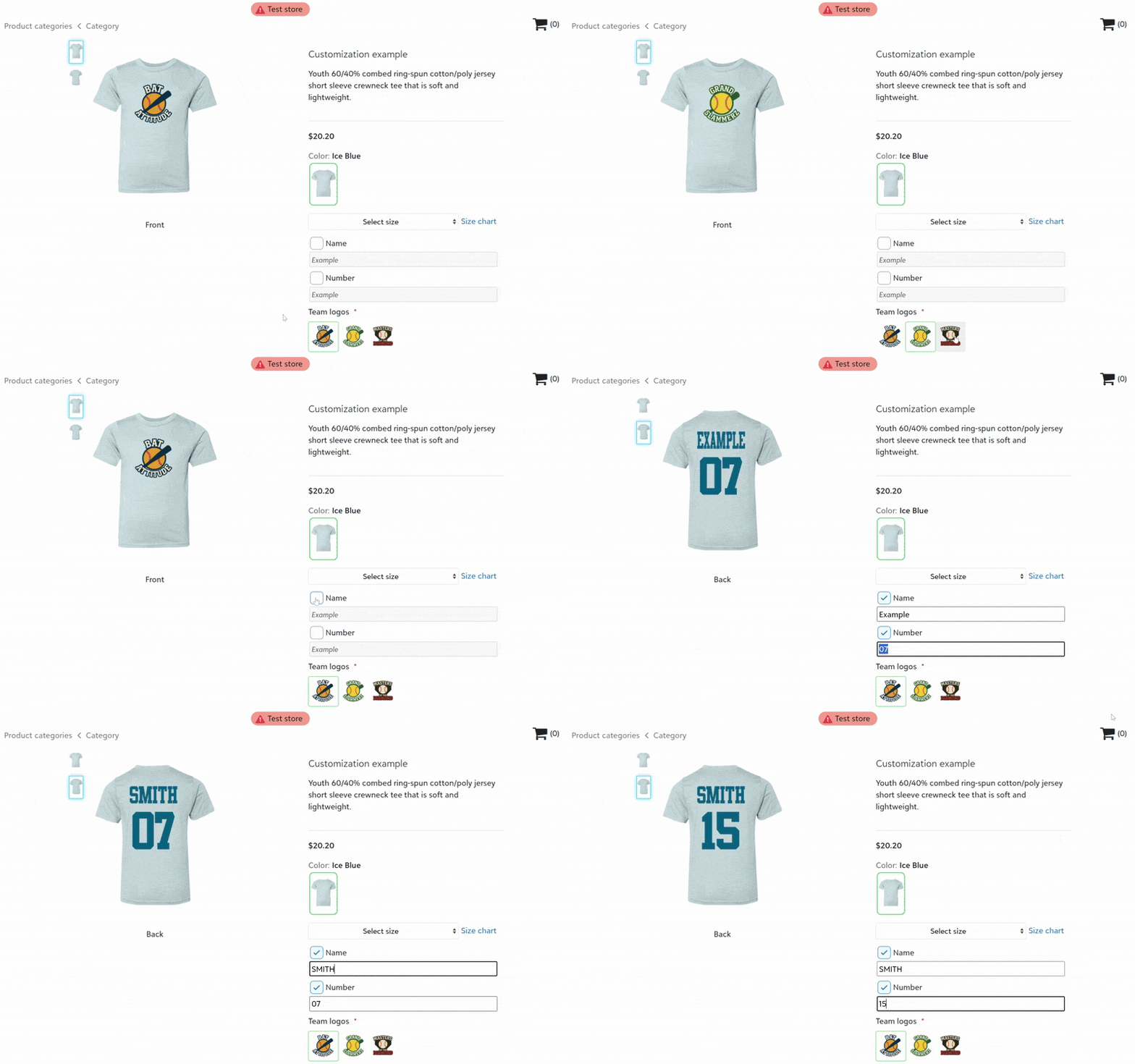
Add a store product with image customization options, so store buyers can select one of the available images to personalize their items.
- Available for DTF, DTG, Engraving, Embroidery, and HTV.
HTV is available only for in-house fulfillment
- Embroidery image customizations require .dst files for product building.
- Set the image height or width when configuring the image customization.
- Default product images appear for products requiring image uploads on initial load.
- Image customizations can be paired with text customizations.
-
Orders come through to fulfillment with the buyer's selected image applied to the artwork file and product mockup.
Set product-level customization fees
Store owners can now override account customization fees per product, setting:
-
one flat customization fee, or
-
per-location customization fees.
To learn more about these recent pricing changes and additional upcoming updates, click here.
Sell and decorate HTV customizations (for in-house fulfillment only)
Decorators fulfilling HTV on-demand items in-house can now design store products with custom values selected by buyers. Customization options include text personalization (user-specified), text with static values to select, and images.
Updated LIQUID 3D color palette display
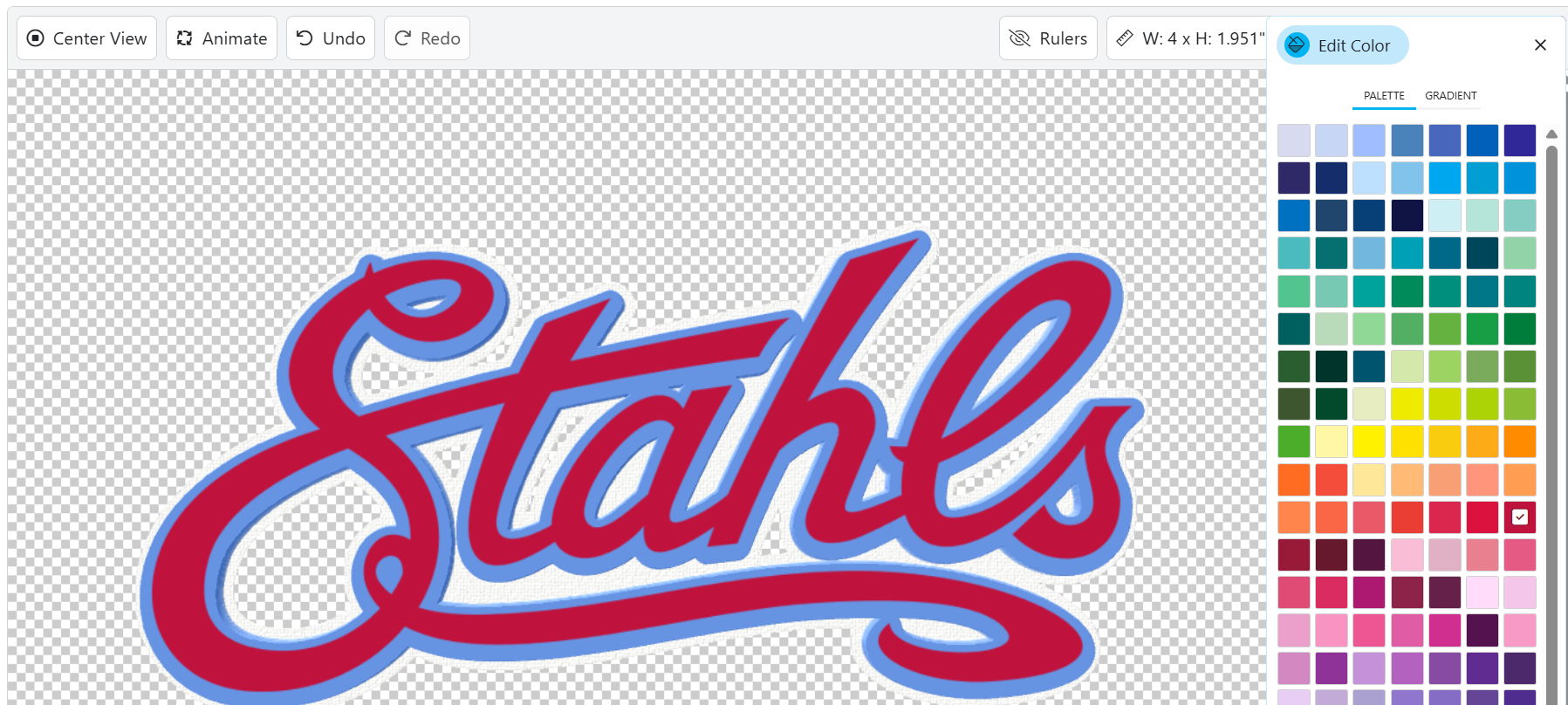
We've updated the LIQUID 3D color palette display values in the real-time artwork builder to better match the actual colors printed on LIQUID 3D emblems, allowing you to have more confidence that your 3D logo designs will look great when produced.
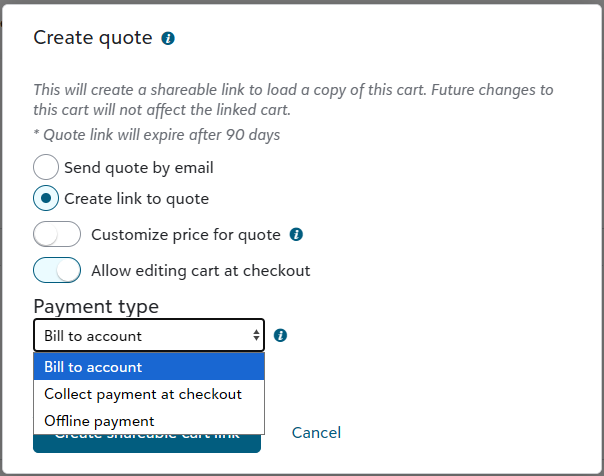
Bill to account option on quotes
Select the new Bill to account payment type option when creating a quote for an account configured for payment terms. When the quote is converted to a submitted order, the order total will be added to the account invoice total for the appropriate billing period.
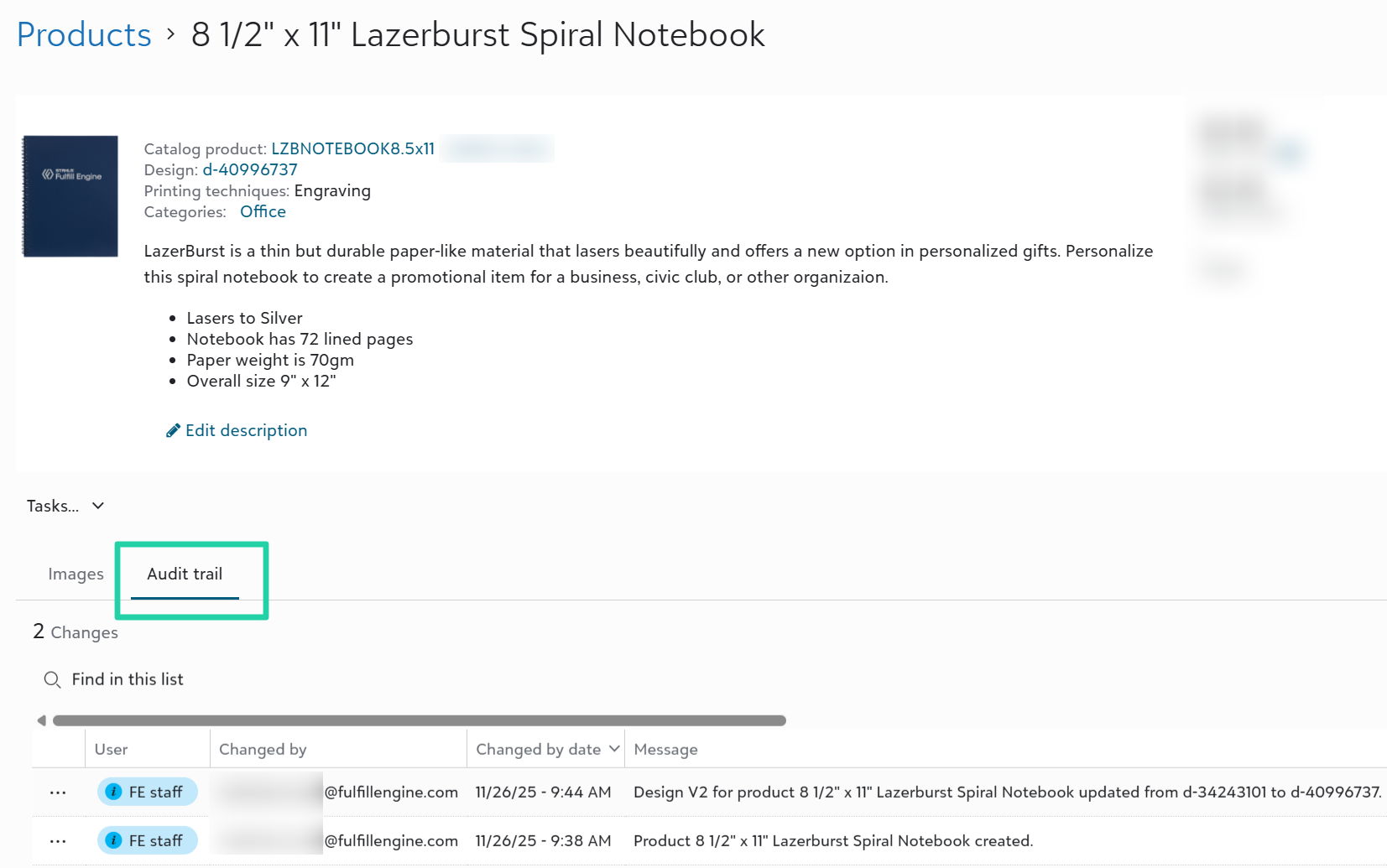
View store product changes in new audit trail
View details on changes made to a store product with a new audit trail at the store-product level, making troubleshooting easier for admins.
TaxJar Integration (for early adopters)
Select early adopters enrolled in a Beta release of our TaxJar integration in November.
The TaxJar integration offers more robust sales tax capabilities including:
-
TaxJar-powered sales tax calculations and collection on transactions in Fulfill Engine white-label stores and order portal.
-
Sales tax calculations and reporting at the state, county, city, and special district levels.
-
Sales tax reporting at the summary, order, and item levels, including an item-level transactions export file matching Avalara's import template for customers using Avalara for sales tax filings.
-
Order item-level sales tax exemptions, informed by tax codes assigned to Fulfill Engine catalog products (e.g., Apparel > T-shirts is assigned a 'Clothing' tax code).
After this Beta phase, we intend to roll this TaxJar integration out to all sales portal customers as an included capability (no additional cost). We intend to be generally available in early 2026.
Fulfillment
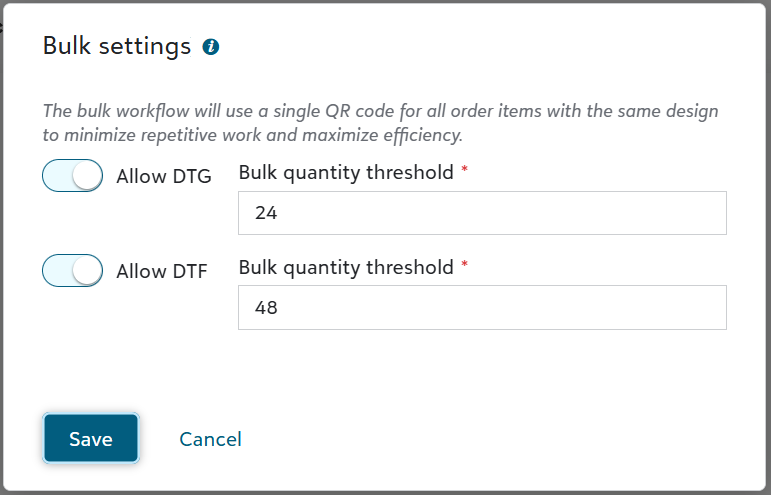
Enable bulk settings for DTF and DTG
Warehouse admins can go to Configuration > Fulfillment to access a new Bulk settings form, which allows you to:
-
enable bulk mode per decoration method
-
set order-level thresholds for triggering bulk workflows
Bulk workflows include dedicated POs for blanks, single QR codes for the bulk decoration job, synchronized processing, and improved QC handling.
To learn more about bulk decoration in Fulfill Engine, click here.
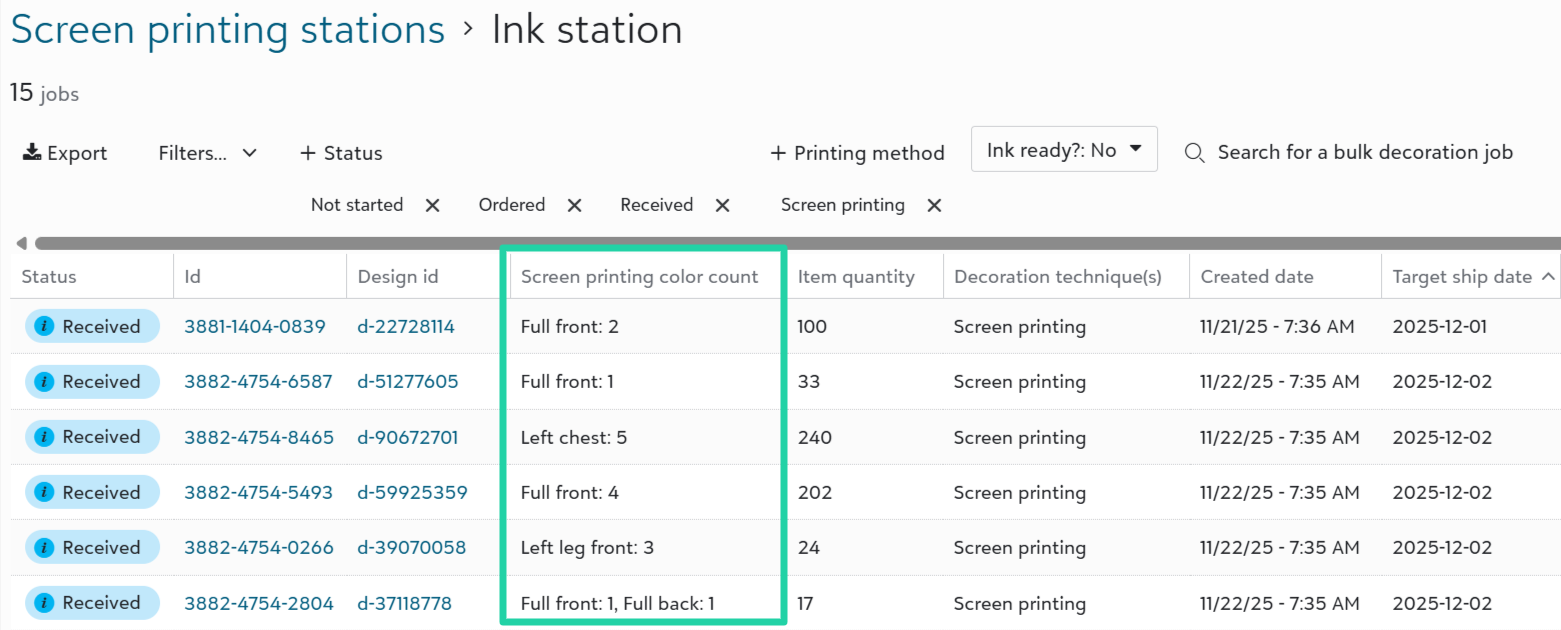
View screen printing color counts
Screen printing station lists now display the number of colors per print location, to help plan production time and scheduling.
View shipments, items & imprints due next business day
Click on Performance dashboard metrics to view specific work due to complete the next business day, to ensure your production team is on schedule.

View Vendor SKU for JDS-supplied products
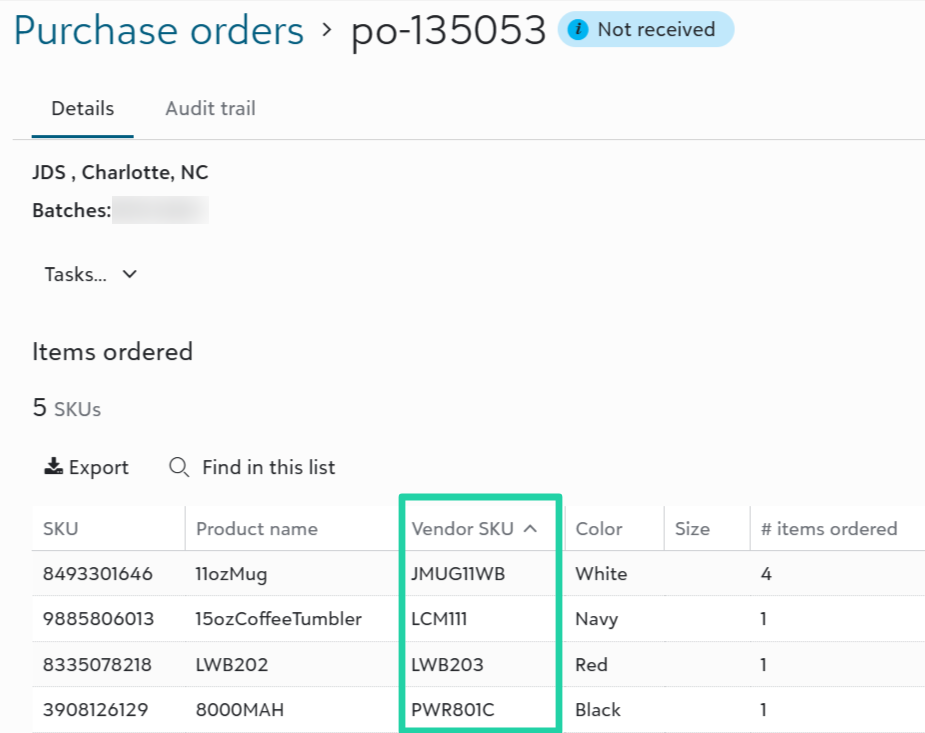
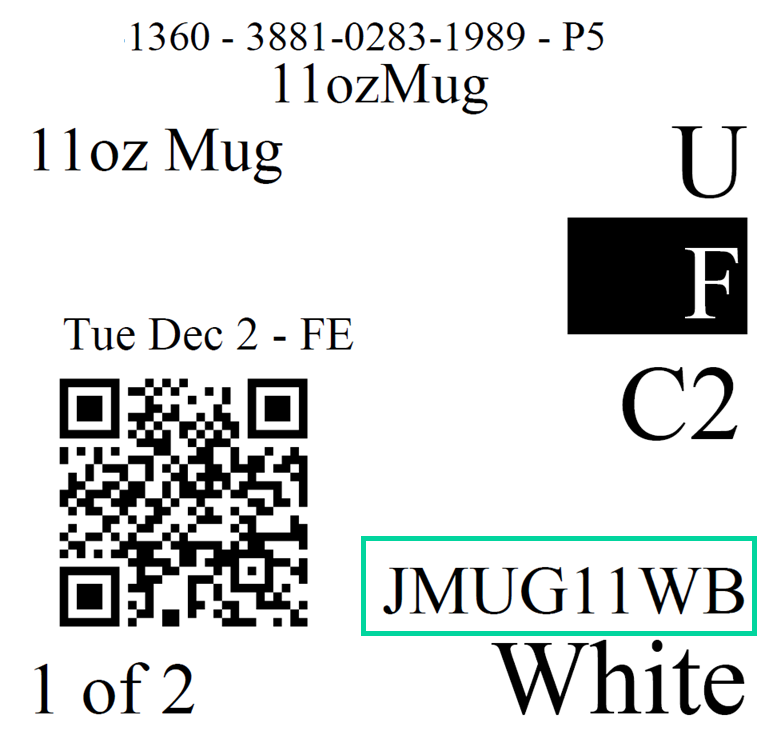
View a new Vendor SKU column on the purchase order items list. And, for catalog products supplied by JDS, view the Vendor SKU value on the QR label. These new views help reduce variant-matching errors for JDS-supplied items.
Switch to Pickup on shipments with a set shipping service
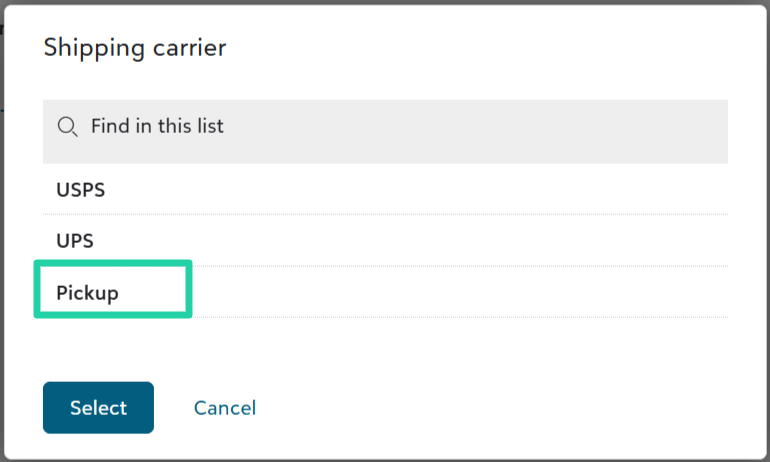
If a shipping carrier and service is already set on a shipment, you can now switch the carrier to Pickup to automatically clear the previous selection and set the shipment to pickup.
API and Integrations
Get order item design data via API
Integrated platforms can now retrieve design details - artwork files, decoration methods, print locations, sizes and placements, etc. - through existing endpoints including Get order items and Get order full.
Download catalog product SKUs CSV file for Order Desk
Fulfill Engine users looking to build an Order Desk connection can click to download the Fulfill Engine Catalog Product SKUs CSV file, which includes Fulfill Engine SKUs along with mapped GTINs and supplier IDs.
To learn more about setting up a connection to push orders from Order Desk to Fulfill Engine, click here.