General
New integrated supplier: Founder Sport Group
Founder Sport Group is our newest integrated supplier available to decorators running in-house fulfillment on Fulfill Engine. Founder Sport Group is a leading manufacturer of performance apparel with brands including Badger Sport, Alleson Athletic, and C2 Sport.
To learn more about setting up Founder Sport Group as an integrated supplier, click here.

Sales
Multiple-quantity ordering in white-label stores
White-label store buyers can quickly add multiple sizes of the same product to their cart in fewer clicks. The Multiple quantities tab is available on all product pages.

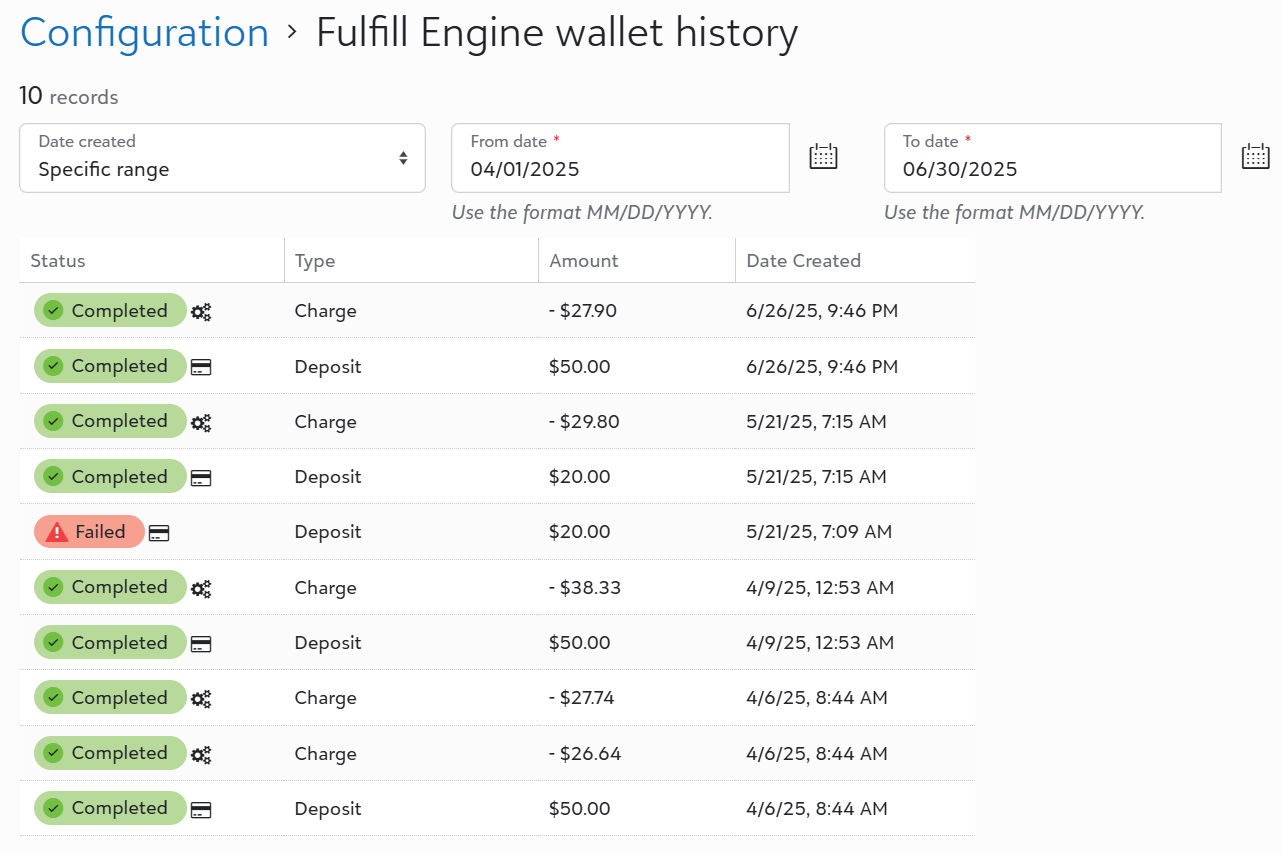
Fulfill Engine wallet history
View your Fulfill Engine wallet's transaction history including deposits, charges, and failed payment attempts.
To access this new page, go to Configuration > Fulfill Engine wallet history.
Fulfillment
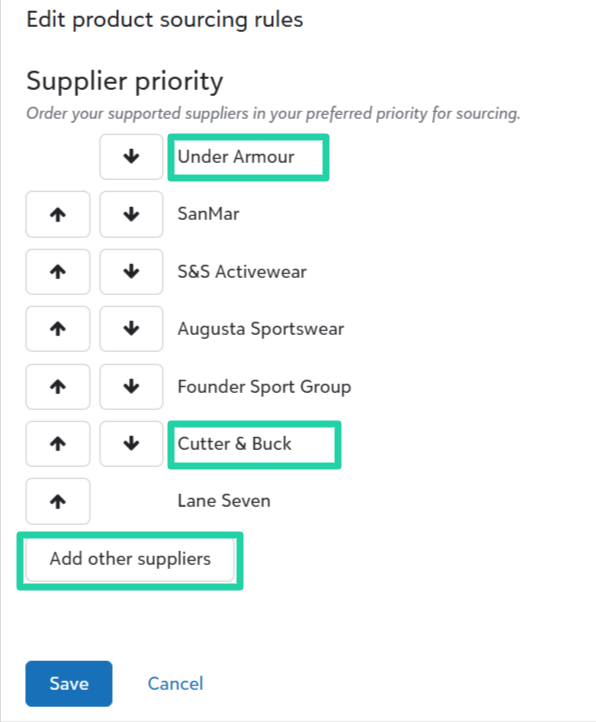
Include other suppliers in product sourcing rules
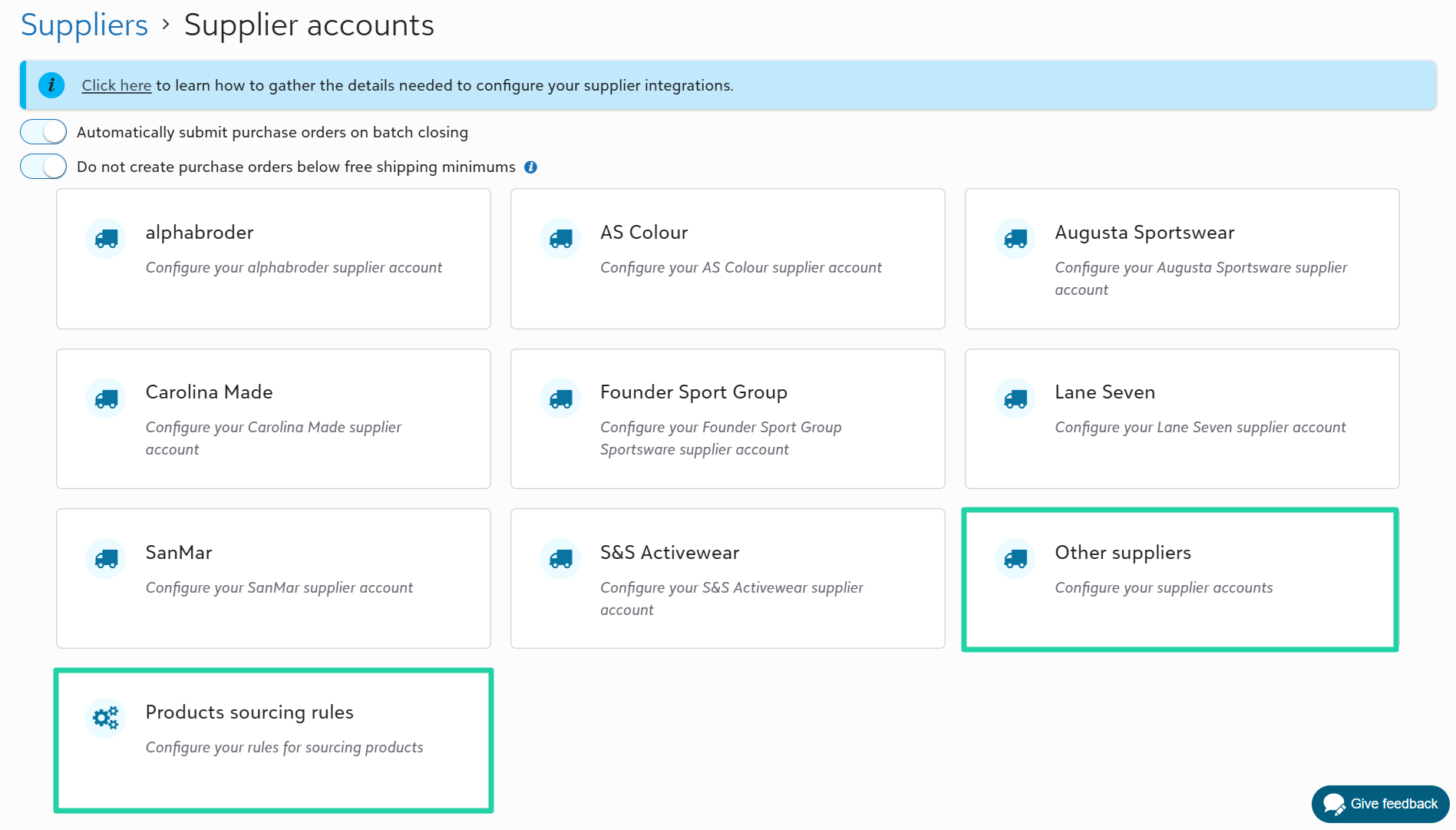
For decorators who manually source catalog products on-demand from suppliers that are not fully integrated in Fulfill Engine, you can add those other suppliers to your product sourcing rules. The supplier priority list is used when a batch closes, so that purchase orders can be created for other suppliers if available. You will need to manually submit the purchase order to the supplier.
To access this supplier priority list, go to Configuration > Suppliers > Supplier accounts > Products sourcing rules.
To add other suppliers, go to Configuration > Suppliers > Supplier accounts > Other suppliers.
Handhold notes
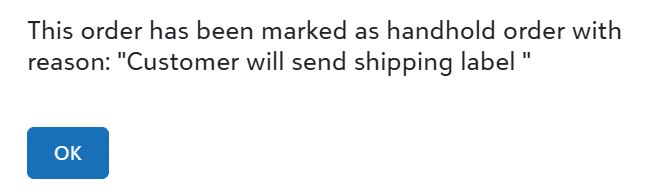
View handhold notes throughout an order's fulfillment workflow, including all fulfillment station pages and desktop apps.
To view all open handhold orders, go to Performance > Handholds.
To learn more about handholds, click here.
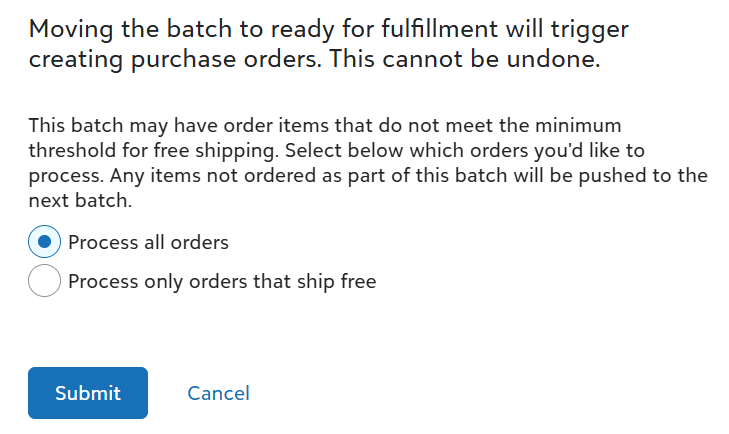
New options for manual batch close
Choose whether to process all orders or hold orders that don’t meet shipment thresholds on the Batches page.
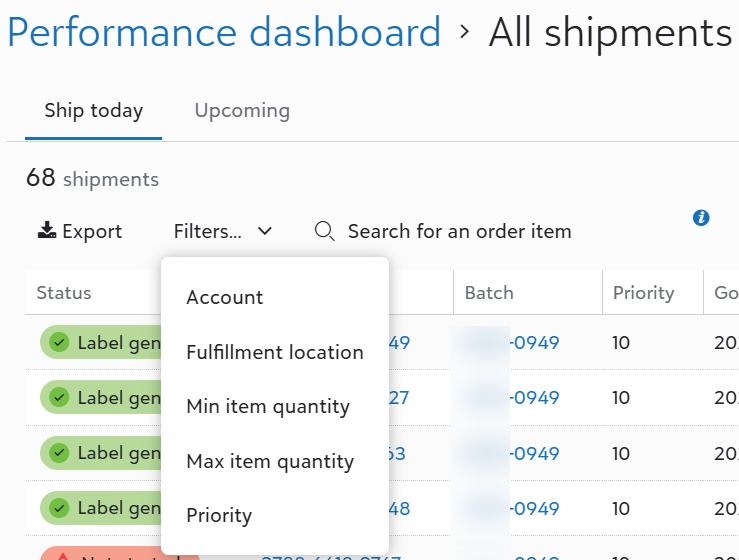
Performance dashboard filters and quick insights
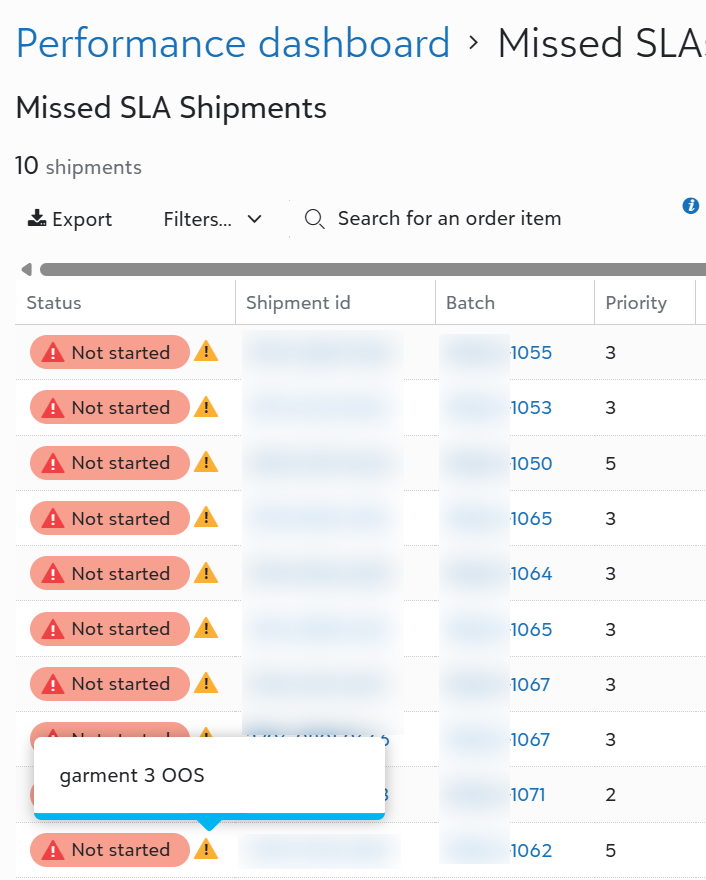
We updated the Performance dashboard drilldown lists with new filters and quick insights to help you manage open shipments.
- Filter Performance dashboard drilldown lists by account and priority.
- View shipment notes in-line on the Missed SLA shipments drilldown list.
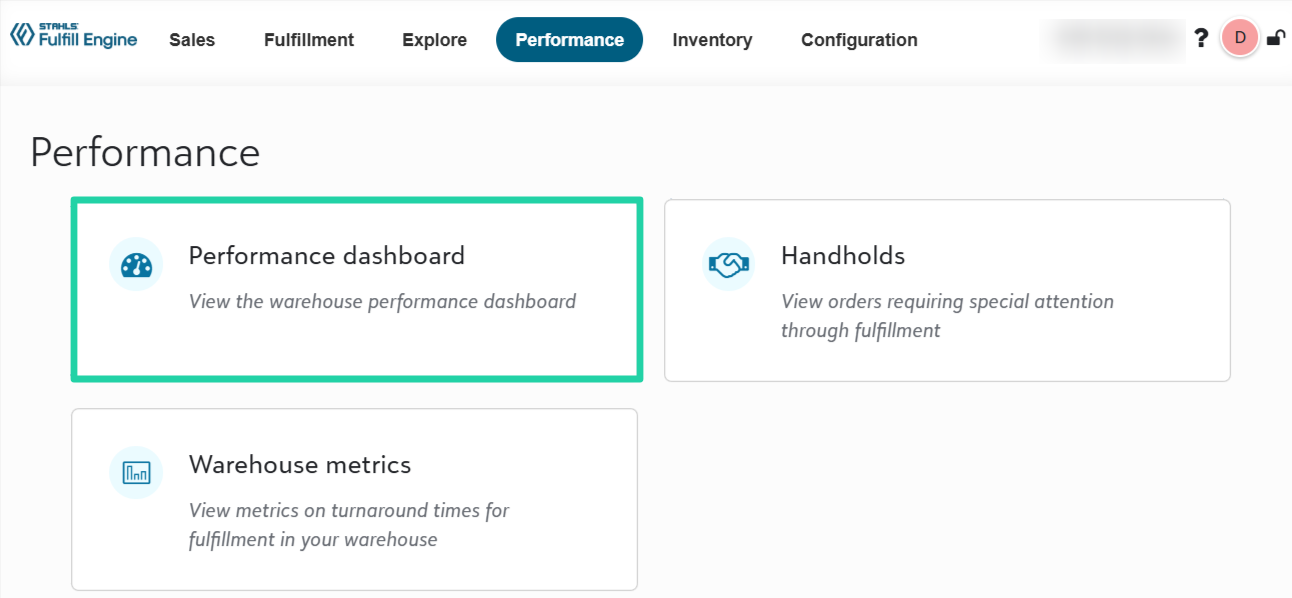
To access the Performance dashboard, go to Performance > Performance dashboard.
API and Integrations
Force cancel option via API
We added an optional property - force - to the Cancel order endpoint. Set this property to true to cancel an order after it's gone through the batch process for product sourcing.
This property is only applicable to in-house fulfillment orders. It cannot be used to cancel orders set for Fulfill Engine Network fulfillment.