Sales
2026 Print On Demand Best Seller Guide
Helping customers choose the right products just got easier. We analyzed order item data across Fulfill Engine to identify the top selling styles and decoration methods across key categories.
Inside the guide you'll find Good / Better / Best product recommendations based on real sales data so you can confidently pitch options that fit any budget, from basic programs to premium branded merchandise.
Accept roster fields on order import
Create team orders quickly with our CSV order import, which now accepts roster fields for players and coaches. Reference an existing design with customizations to order a team’s worth of customized gear.
To learn more about importing orders with roster fields, click here.
FE Network embroidery stitch count limit
To maintain consistent quality and production efficiency across the Fulfill Engine Network, a 25,000 stitch count limit is enforced on all embroidery orders. Any orders exceeding this limit will not be eligible for network fulfillment. If you are a Decorator Pro customer, orders will automatically route to local fulfillment.
New help video: Price sheets, pricing & invoicing
Learn more about price sheet setup, product-level pricing, and how invoicing and disbursements work with Fulfill Engine. This video is a helpful resource for new users, admins, or anyone looking to refine their pricing strategy.
Fulfillment
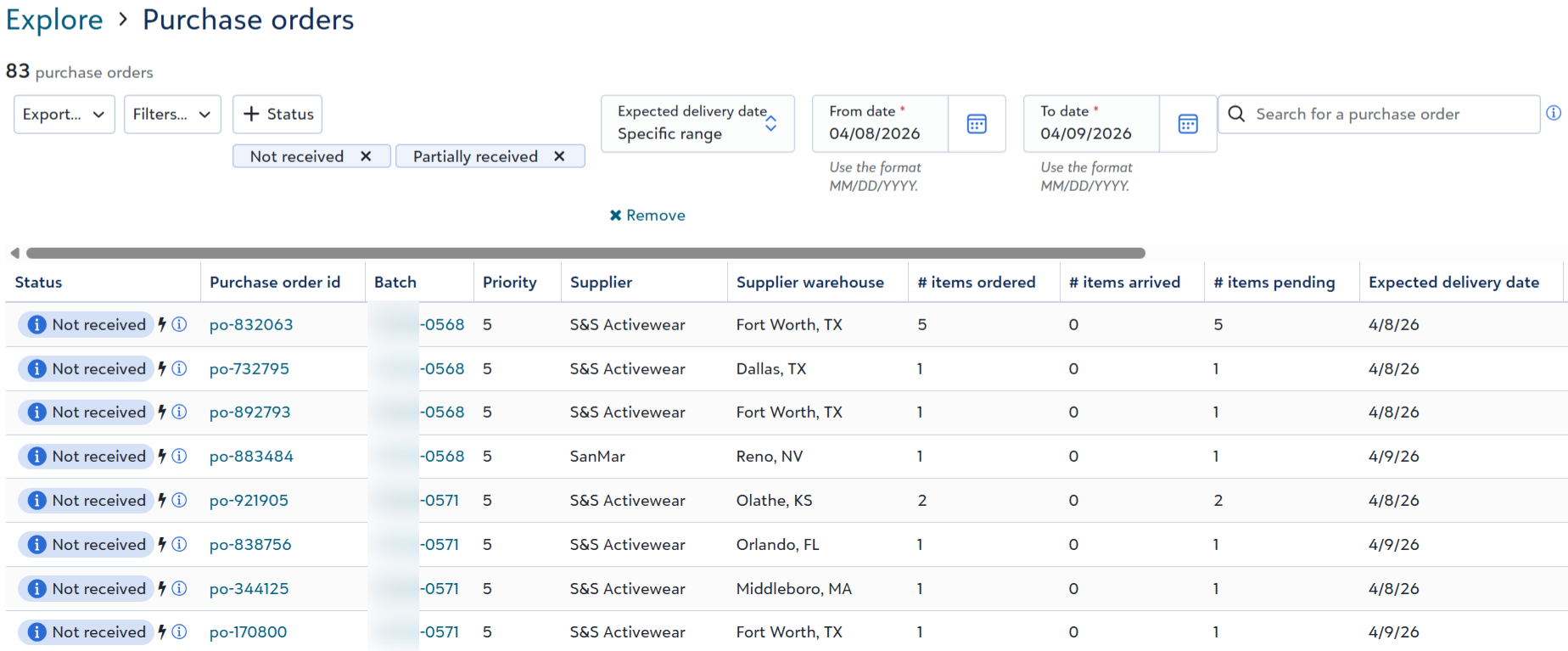
Manage purchase orders
View and manage purchase orders in a single list, across all batches.
To access this new view, go to Explore and click Purchase orders in the Related links section.
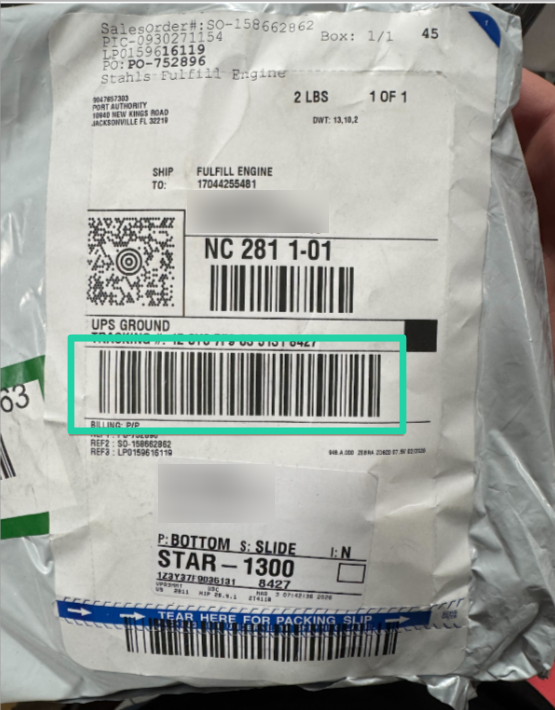
Scan to lookup SanMar purchase orders
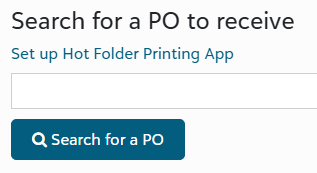
Scan the tracking barcode on a SanMar shipping label to automatically lookup the purchase order to receive in Fulfill Engine, eliminating the need to manually read the Purchase order id on the label and type it into the search field on the Receive purchase order page.
NOTE: This capability is also supported on S&S Activewear shipping labels.
Bulk embroidery
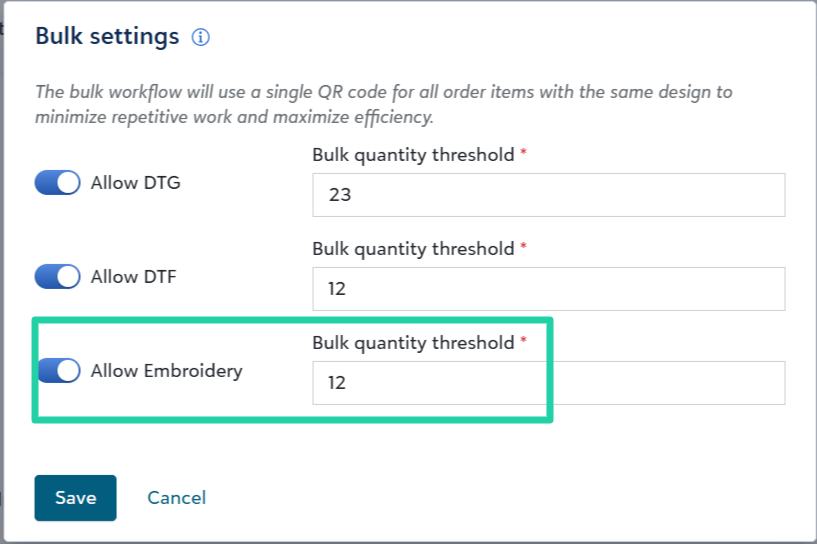
We’ve added bulk fulfillment workflows for embroidery, consistent with our existing DTG and DTF workflows.
The bulk workflow will use a single QR code for all embroidery order items with the same design in an order, to minimize repetitive work and maximize efficiency.
To enable bulk embroidery,
- Go to Warehouse > Configuration > Fulfillment > Bulk settings, toggle on Allow Embroidery, and set your bulk quantity threshold.
- Update the Embroidery desktop app to the latest version
To learn more about bulk decoration, click here.
Third-party billing
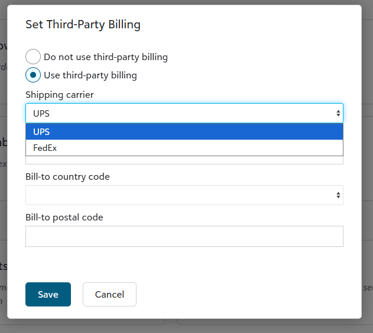
Sales admins can click the new Third-party billing tile on an account record to set the account to pay shipping costs directly with a UPS or FedEx shipper account by default on applicable shipments.
Sales admins can optionally set a Third-party billing shipment charge on the account's price sheet to apply a handling service charge to shipments billed directly with a third-party shipping account.
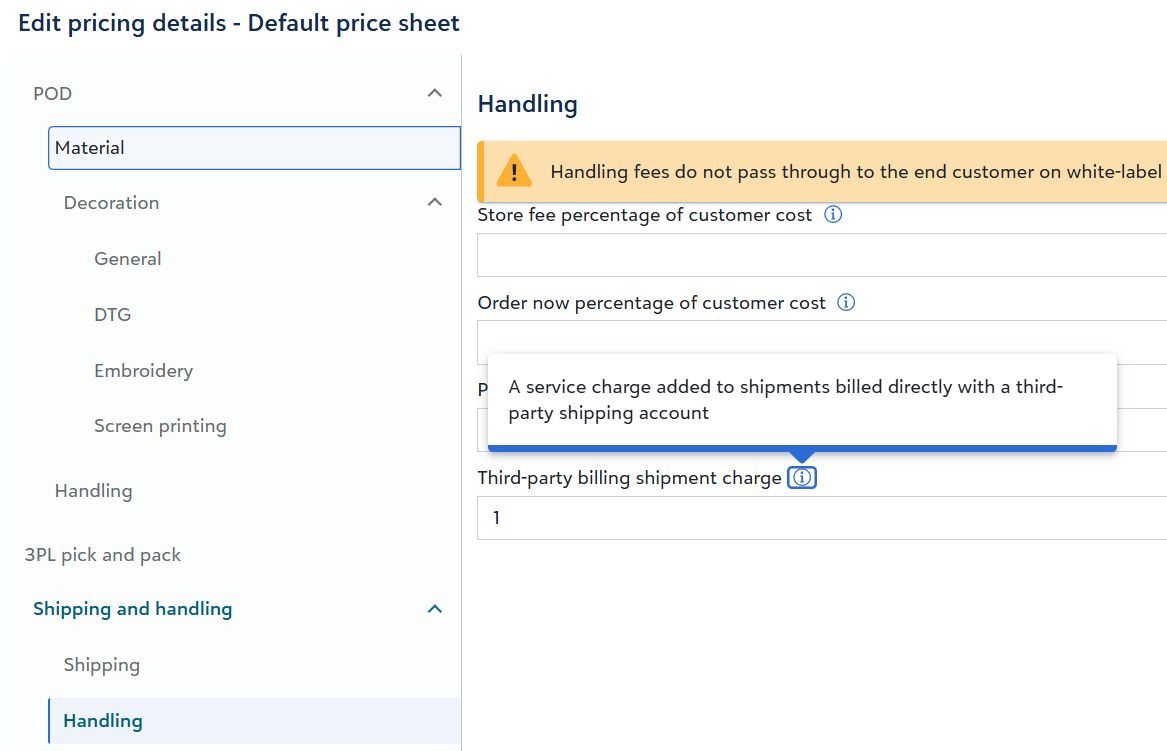
NOTE: Fulfill Engine will apply this service charge to shipments fulfilled through the FE Network when shipping is billed directly to a third-party carrier account. The charge amount varies by Fulfill Engine plan, ranging from $1 to $2 per shipment.
There are a few options to set third-party billing on individual orders or shipments within an account or store:
- For API-sourced orders, integrated platforms can specify the
thirdPartyBillingproperties within theshipmentsrequest body.
"thirdPartyBilling": {
     "billToAccount": "string",
     "billToCountryCode": "string",
     "billToPostalCode": "string"
}
- For shipments fulfilled in-house, warehouse leaders can click the new Set third-party billing task on an open shipment record to disable or add third-party billing.