Our solution allows for the full automation for on-demand order processing. However, you may have situations where a customer will want to send an order in vs submitting it through a store.
There are two ways you can handle this.
The first is to give your customer access to the Order now portal, allowing them to submit orders outside of a store on the account level. This will prompt them through a similar process as building a product but will require quantities, shipping method, and shipping address.
The just need to be listed as an administrator on the account.
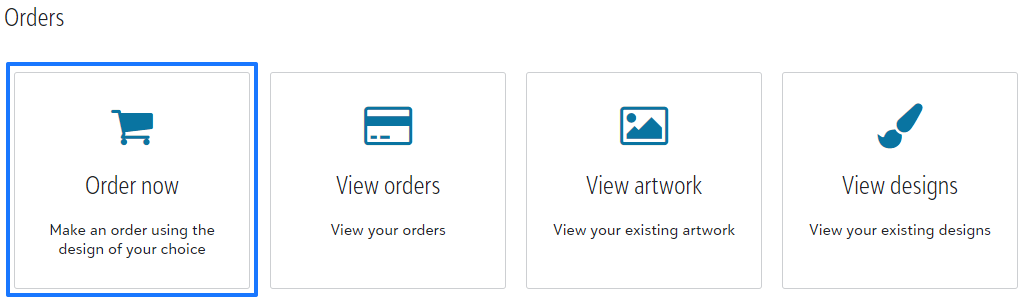
If you do not want to give your customer access, your team can build carts and submit carts on their behalf by going to the same Order now portal on the account.
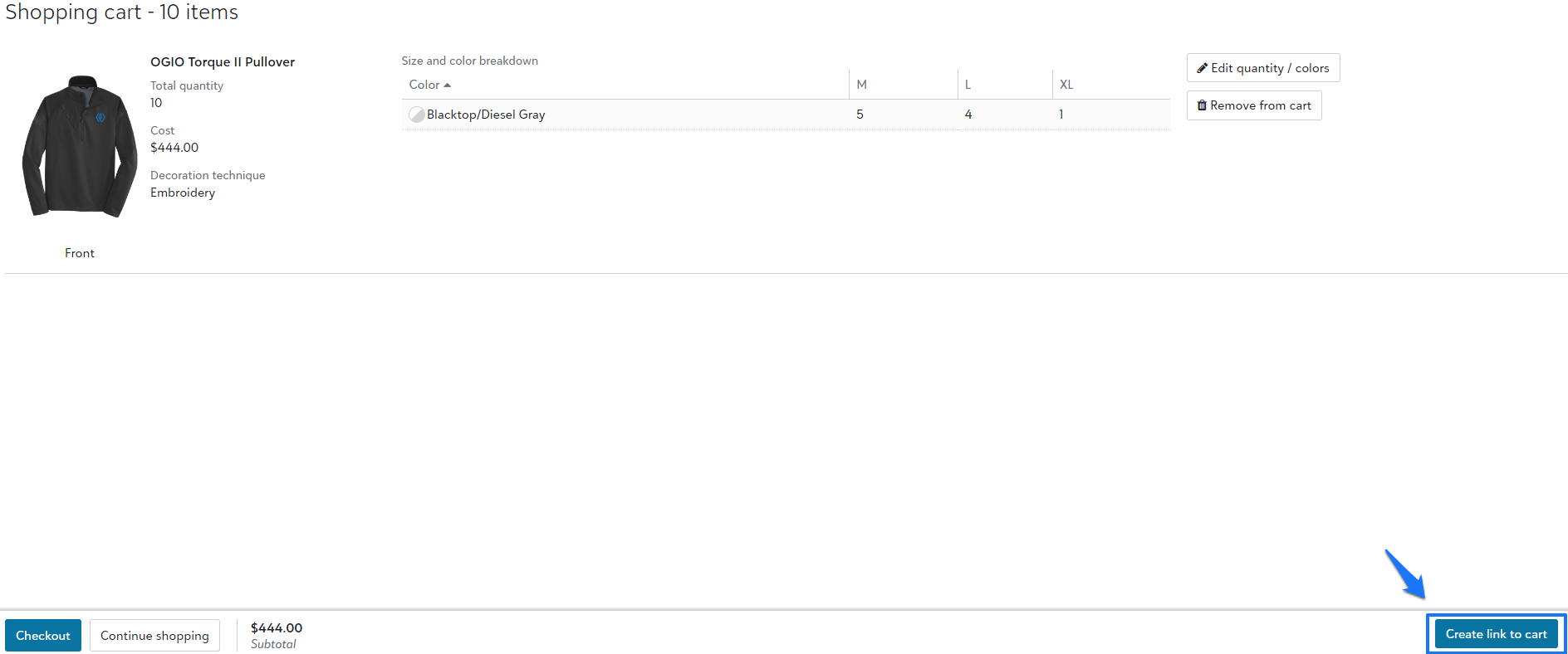
Easily send a link to the cart from your customer to approve and/or make payment. Once the cart is built, you will select Create link to cart on the bottom right hand corner of the page. That link will automatically expire within 90 days of being generated.