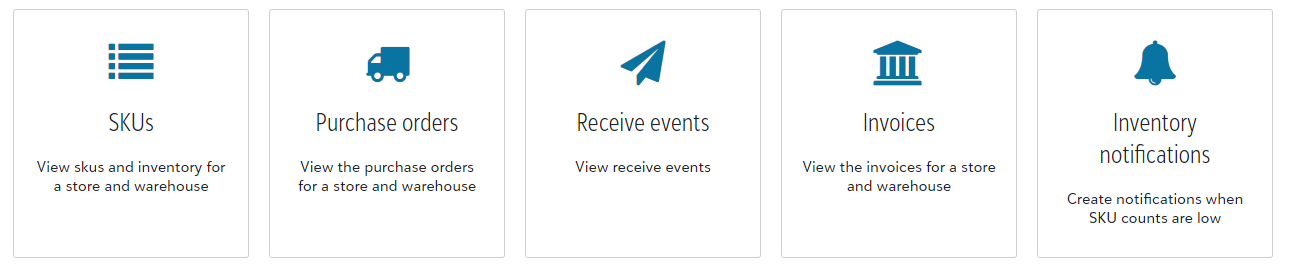
If your warehouse offers 3PL (pick and pack) inventory to your accounts, it should be their responsibility to manage inventory properly, however alerting the end customer of stock concerns with pending orders is beneficial to the partnership!
You are able to access your current 3PL inventory from the Inventory tab located at the top menu bar of your Warehouse Dashboard.

Once within the Inventory page, you are able to view and edit any of your Store inventory. You will select the specific store where you are wanting to manage or view inventory for.
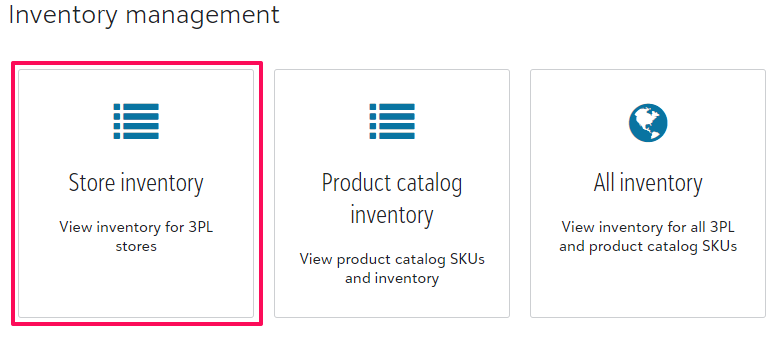
This is the same view your end customer would have from their store homepage within Manage inventory under Store configuration.