Unlike white-label stores, where the profits run through your Sales Portal's Stripe account and you disburse funds, profits for external orders are collected outside of Fulfill Engine.
When you connect an external store to a Fulfill Engine account, you will assign a price sheet. This is your cost to your customer and will include your profits.
The unit cost will reflect when a product is being built so your customer is able to set their profit margin.
You will work with your customer to establish the frequency in which you will invoice for the cost that is owed to you.
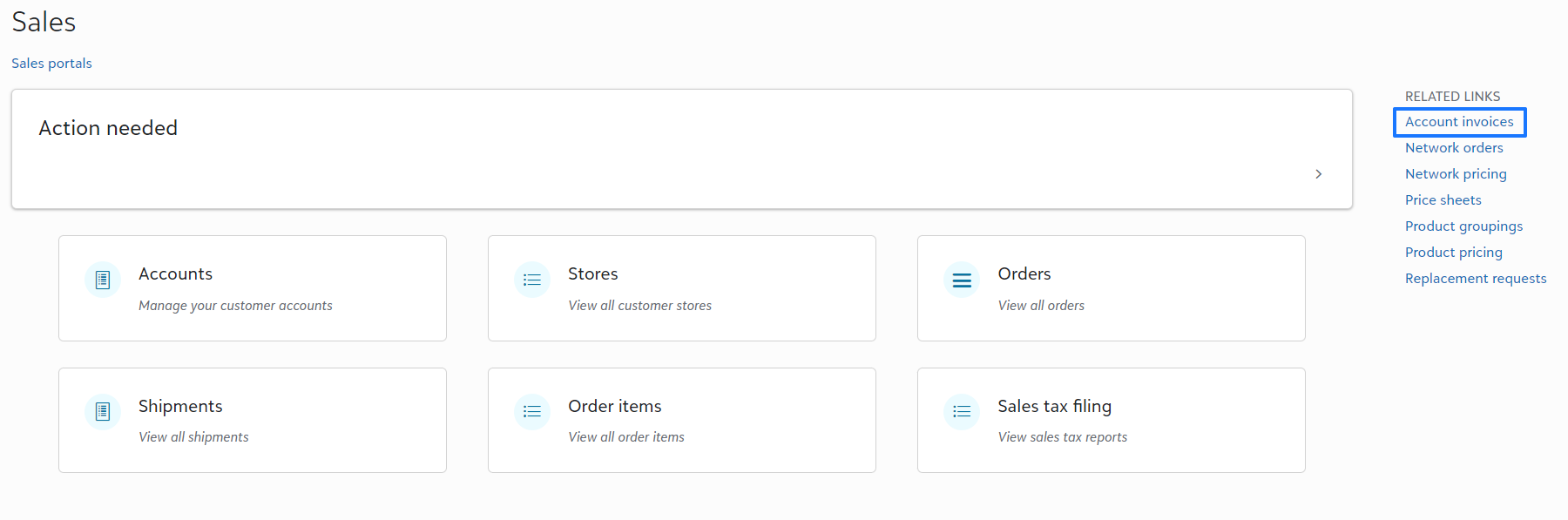
Invoices will auto-populate for all accounting sending external orders under Account invoices on your Sales Portal.
By selecting the invoice link, you will see a breakdown of all charges for the orders within that invoice including invoice amount, shipping cost, and pick and pack charges if applicable.
Your customer will also have this view on their Account Dashboard under Configuration > Invoices.

The process in which you collect payment is at your discretion. Many Fulfill Engine Partners use their Stripe account since it is already set up for white-label stores and collect payment on a weekly basis.
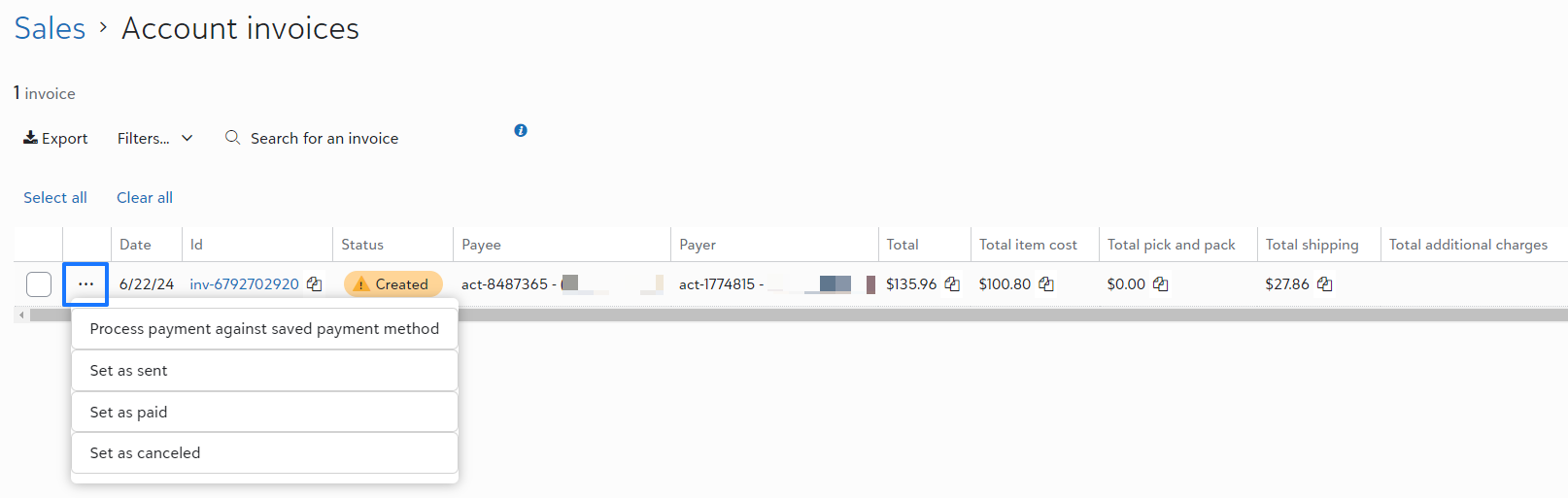
Under the account Invoice, you will have the option to automatically charge the card on file with the account for the invoiced amount, as well as mark the status of the order as sent, paid, or canceled.
To use the automatic charge option, have your Accounts set up a payment on file under their Configuration > Payments and disbursements.
There will be a payment processing fee on any invoices ran through Stripe, including those processed with the payment method on file.