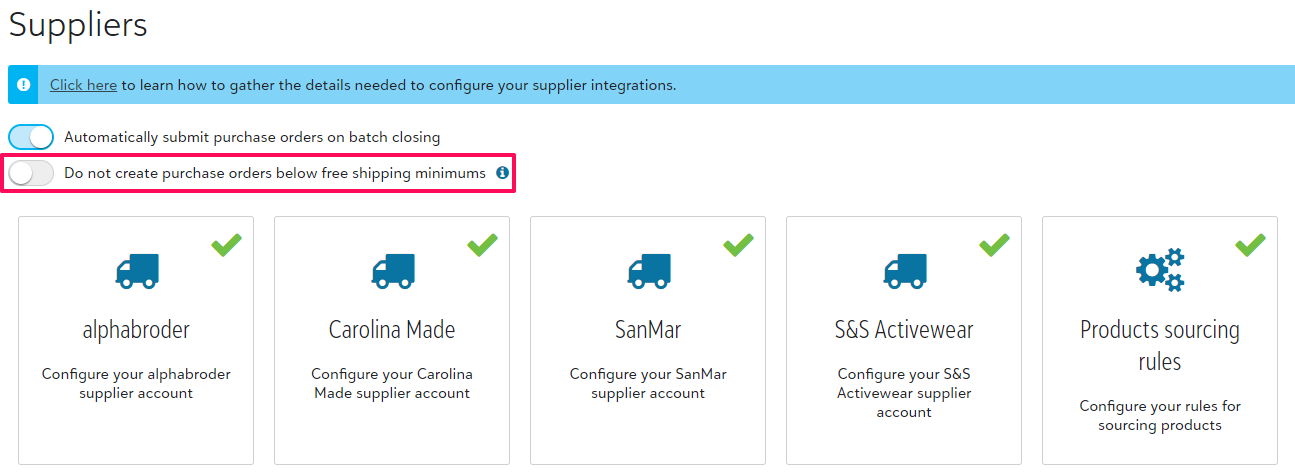
From your Sales Portal under Configuration > Suppliers, you are able to select that supplier purchase orders will not be created until the free shipping minimum has been met.
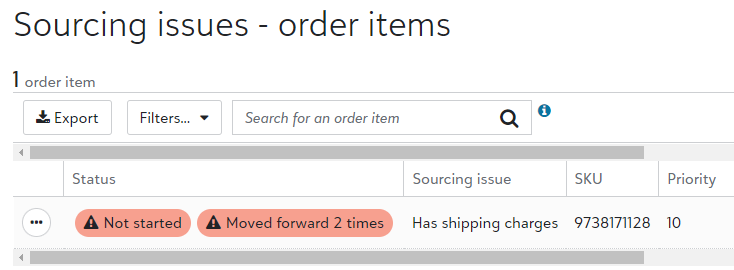
When an order is placed that does not meet that threshold, it will show under Action needed within your Sales Poral.

The reason will be listed as "Has shipping charges," and will show how many batches (days) the item has been held. The below example is an order from 2 days ago where the blank has not been ordered due to being under the shipping minimum threshold.
Manually Ordering
If ever you opt to manually source the item, vs waiting for the automation to hit the minimum shipping charge, you are able to select the dropdown to the left of the line item and select Needs external ordering.
You will be prompted to input the supplier who this will be sourced from for the warehouse team.
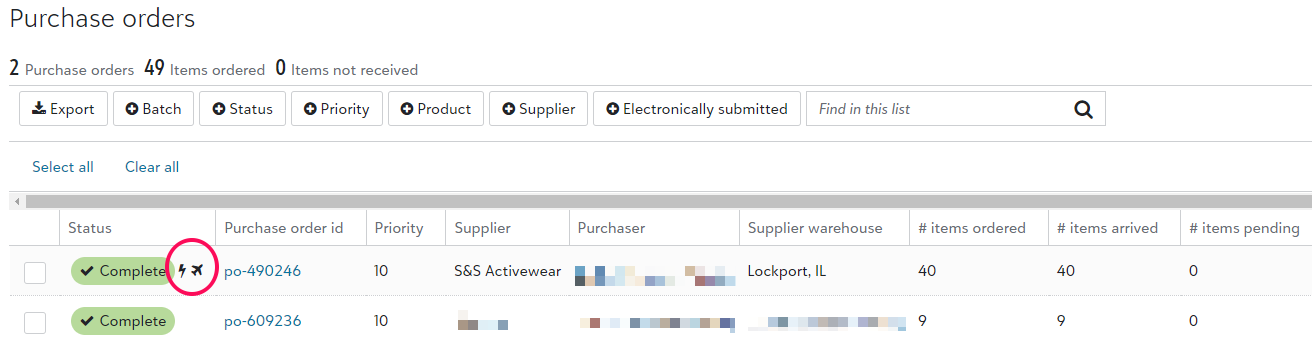
From the Fulfillment Dashboard, that item will reflect on the next batch when it closes. Within the batch, you can confirm which POs are ordered through the automation, as they are marked with a lightning bolt (see below). If that icon is missing, it means that manual intervention is required.