1. There is a decoration method you wish to offer to your end-customers, but do not have the capabilities in house
For example, you do not offer embroidery in house, and do not want the overhead cost required to support it, you are able to select the decoration method when building products or placing orders for your customer. When an order is placed, it will route to the network to be fulfilled on your behalf.
This is very common for decorators who wish to scale their sales, but do not have the band-width or capacity to support the production. This would allow you to have all volume, even if you offer the decoration method in house, to go to the Network for a specific customer.
For Seller Pro users, the Network allows you to focus solely on selling while ensuring the production side of things is handled.
- Direct to Film (DTF)
- Direct to Garment (DTG)
- Laser Engraving
- Embroidery
- UV Direct to Film (UV DTF)
- UV Print
- Dye Sublimation
- LIQUID 3D™
- Screen Printing Available within Order Now
Flat Rate Pricing
Fulfill Engine offers flat rate pricing to simplify how you use the Network. Instead of pricing out by vendor, you are able to easily view your Network Pricing from your Sales Portal as well as keep an eye on any orders within the Network under Network orders. 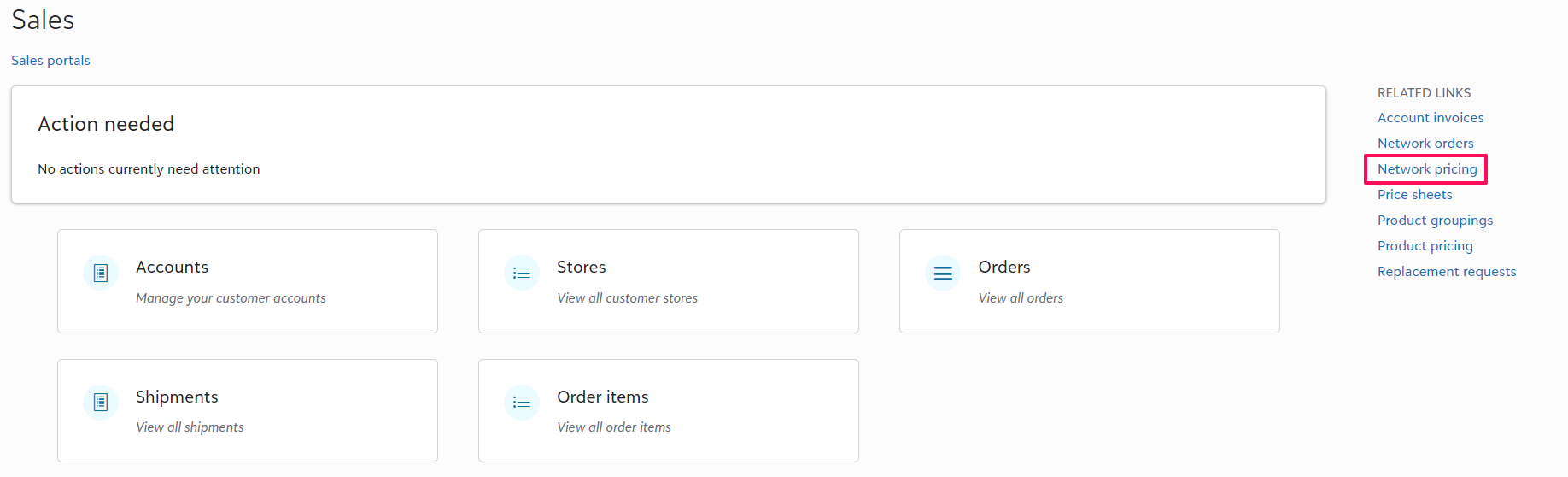
Billing
To use the Network, pre-payment is required through your Fulfill Engine Wallet under Configuration within your account unless you are on Terms.
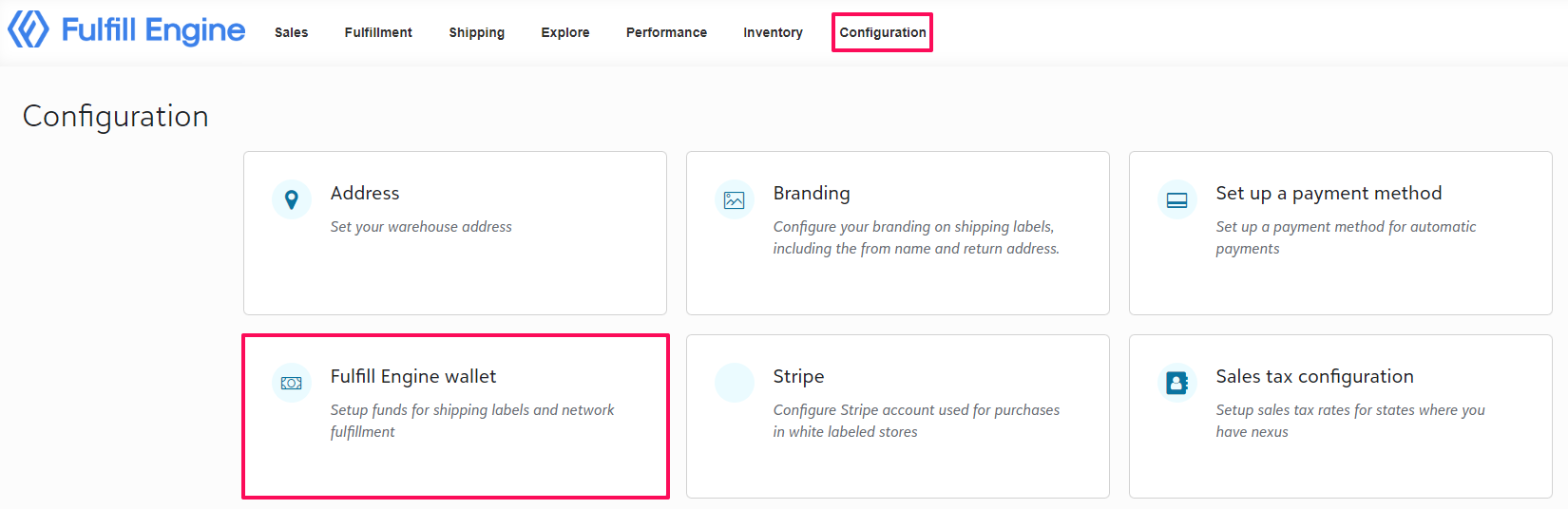
You are also given the option to configure auto funding to ensure your wallet does not drop below the funds required to process live orders.
If at any point that amount does become less then what is needed, the orders will be held as an Action Item, prompting payment to process to fulfillment.