This is applicable only if your warehouse offers in-house engraving.
If you do not offer it, but wish to utilize the vendor network to fulfill engraving orders offered on your white-label stores, you will simply need to select engraving as a decoration method within your Sales Portal.
Selecting Products
First, review Fulfill Engine's engraving catalog. You are then able to match a selected item to your preferred vendor.
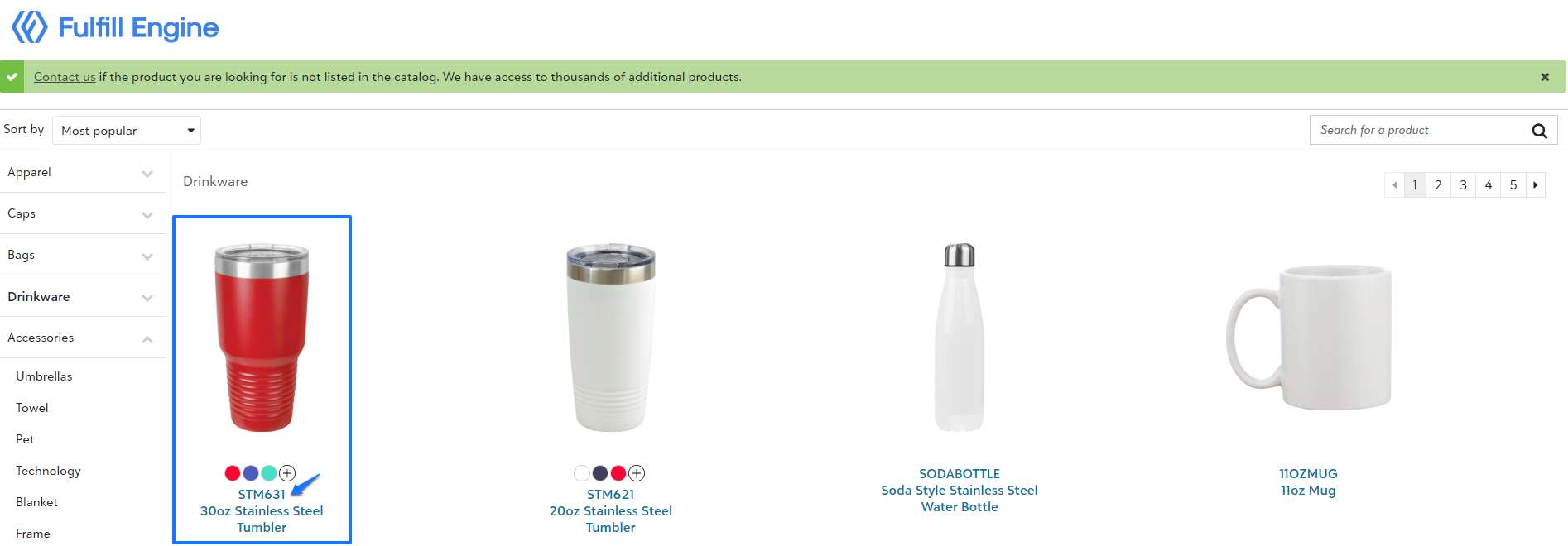
Most partners who offer engraving, will have a small select group of product offering which they opt to inventory in-house vs on-demand to avoid high shipping costs if the minimum order quality is not met.
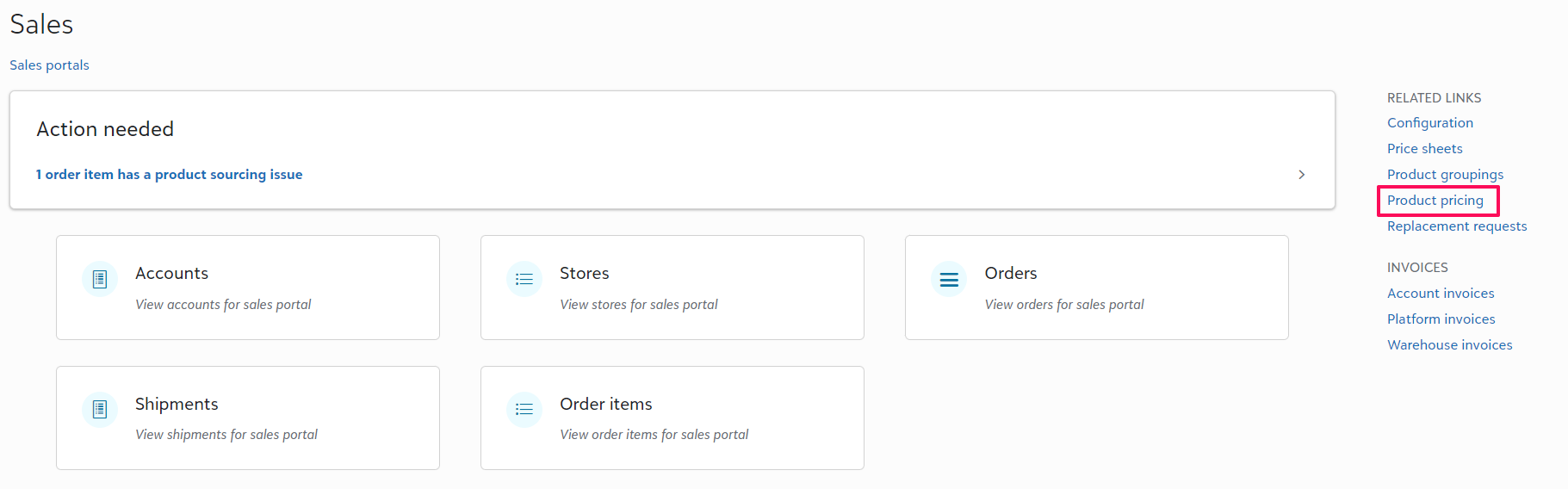
Once a product has been selected, you will search that identifying number within Product pricing on the right hand side of your Sales Portal.
Lastly, you will set the base price. Once this is done, this item will be available within your catalog!

Ordering a Product
When an order is placed for engraving, the item will generate a PO within the daily batch, just as an on-demand order does. Since you will be closing your batches, you will see the PO that requires the item to be ordered.
From your warehouse dashboard, under Batches, you will select the daily batch and go into Purchase orders. Any PO that does have a lightning bolt next to it, means that the blanks were not automatically ordered, and you will need to submit a manual order.
You will use the Purchase order id when submitting your order with the supplier, so it will be able to be received into production just as an automated order would be.

If the item is set up within inventory, you will be notified of the order under Action needed within your Fulfillment tab in your Warehouse Dashboard.
Production
From your Fulfillment tab you will select the Laser tile and, scan the QR code.
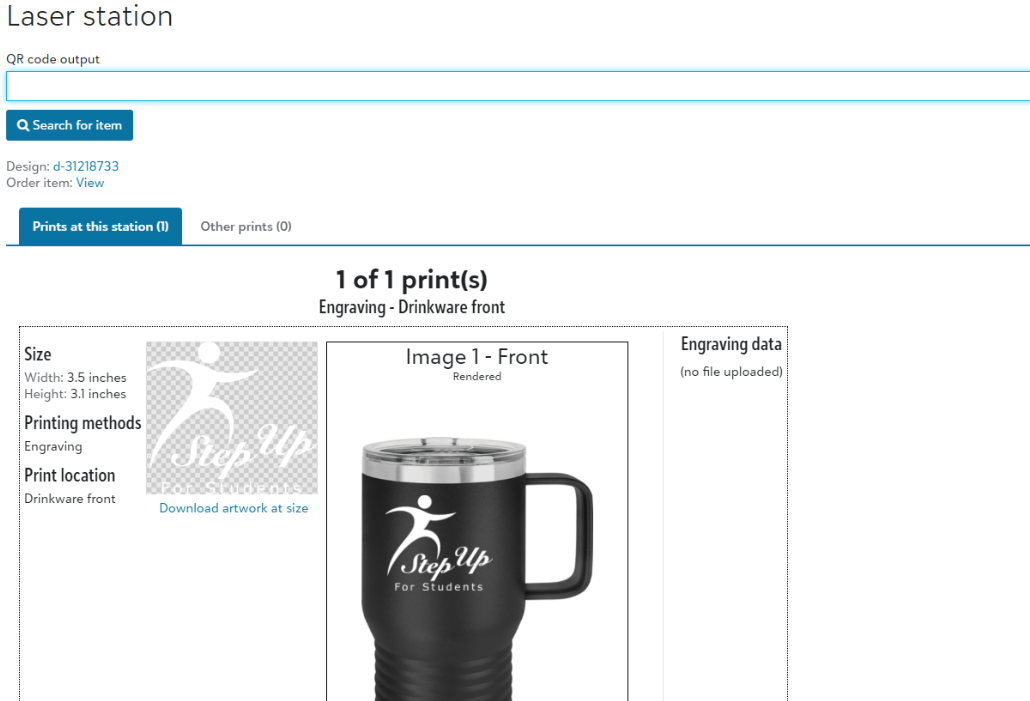
The actual production process will very depending on your specific equipment. Likely, the flow will be that you download the artwork, format the file to what is required for the machine and decorate.
TIP: You do have an option to upload an updated formatted file. When this item is ordered again, you will be able to pull the print ready file.
Since this is tied to the design ID, you are able to do this ahead of time!