What You Need
- Standard DTG equipment
- Computer Terminal (Windows required)
- 2D QR Code Scanner - recommendation
- You will need one QR code scanner per decoration station
- Shelving unit
- Recommended for holding batched bins from receiving
- Table (optional)
Missing something? View our Equipment and Material list for quick reference links of where these items can be sourced.
Installing the Application
View the set-up for the M&R POLARIS™ here.
From the Fulfillment tab you will select the DTG tile. This will download the Fulfill Engine installer. Run the installer and choose to install the "DTG App."
We recommend having the DTGPrinterApp icon or a shortcut on your terminal desktop for easy access.
Once you confirm the terminal is connected to your printer then you are ready to scan your DTG item for production!
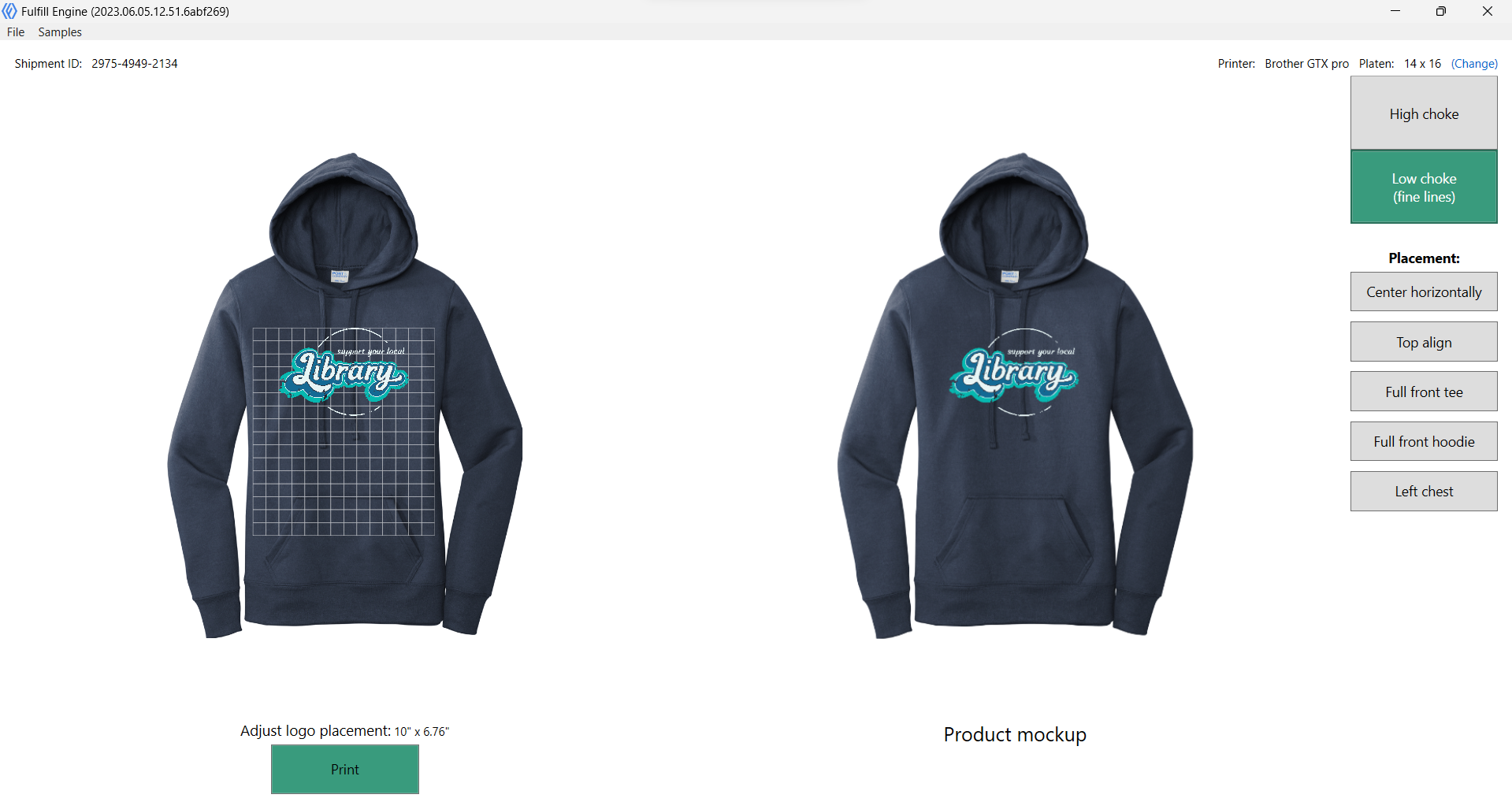
When an item is scanned, it will show the garment as well as placement.
Item not scanning? Your scanner needs to be set up to automatically hit the return key after the scan is complete. This is a setting within the scanner.
Our current available integrations are with;
- Brother
- Epson
- Kornit
- Polaris
- Maverick
Need something we don't have? Chat with our team during your onboarding process.