An Account is how you structure your relationship with your customer. Pricing, product offering, and features are all managed on an account level. If you are a Decorator Pro, you are also able to manage if an account should only be done in-house, go only to the Network - or both!
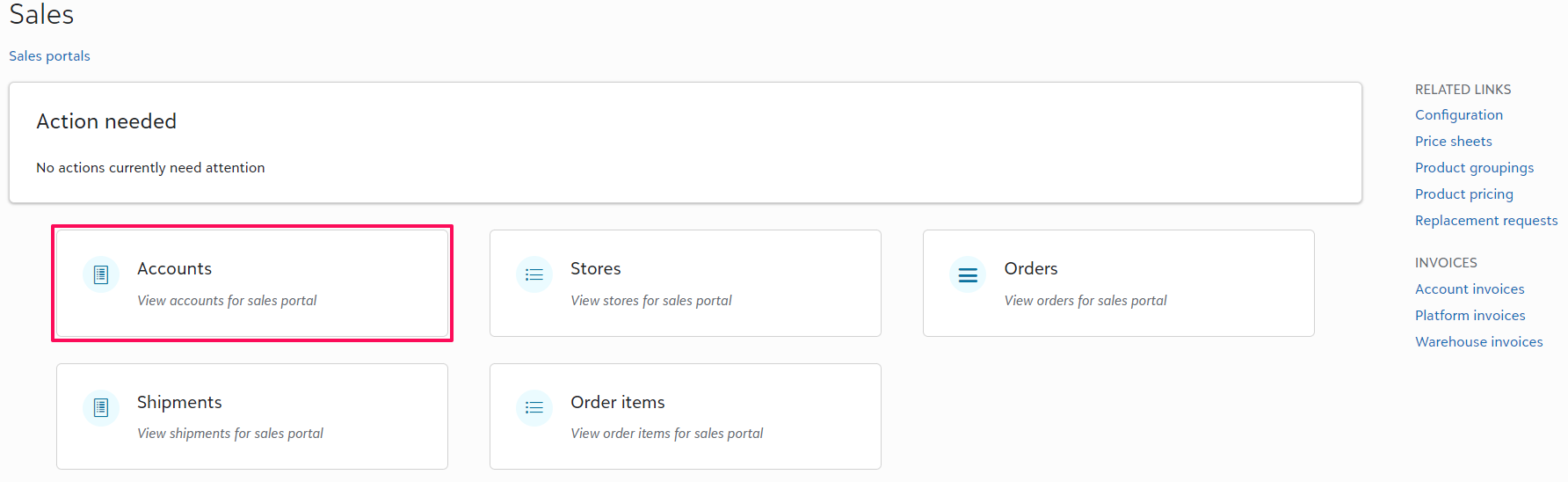
From your Sales Portal you will select Accounts > then +Add
You will then be required to input the customer Name, Price sheet, and Order priority if Decorator Pro. The Order priority correlates to the turn time within production and will be used to when analyzing performance metrics. If using the Network, the default turn time will be 5 business days regardless of what is set at the account level.
There will also be an option to assign an Account Manager from those with administrative access to your Sales Portal. This can be easily updated later on from the accounts homepage through the Tasks dropdown menu.
If you do not have Price sheets set up, you are able to walk-through that process here.
Once within the account you will go to Account Security under Configuration to Invite administrators.
Administrators will be able to view orders, edit stores, and manage other configurations for this specific account.
- Once an email is inputted into the system, an automatic invitation will be sent via email for that specific individual to accept and gain access to the account.
Now that you have created an Account, you are ready to build a store!