Sales
Accept customization values on order import
Create custom product orders quickly with our CSV order import, which now accepts up to five customizations per order item. Reference an existing design with customizations on the order import file, then specify the customization name and value using newly added import fields.
- The
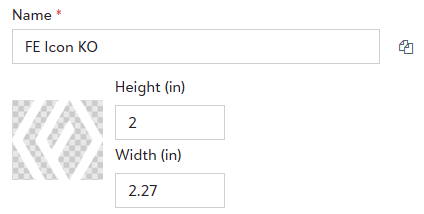
Customization{#}_Nameimport field will be the name of the customization within the saved product design.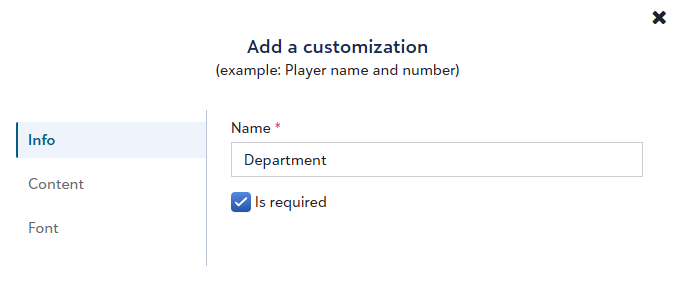
- For text-based customizations, the
Customization{#}_Valueimport field will be exactly what should be printed on the shirt. - For image customizations, the
Customization{#}_Valuewill be the name of the artwork uploaded within the customization.
To learn more about about importing orders into Fulfill Engine, click here.
Offer customizable products on OMG Print-on-Demand Stores
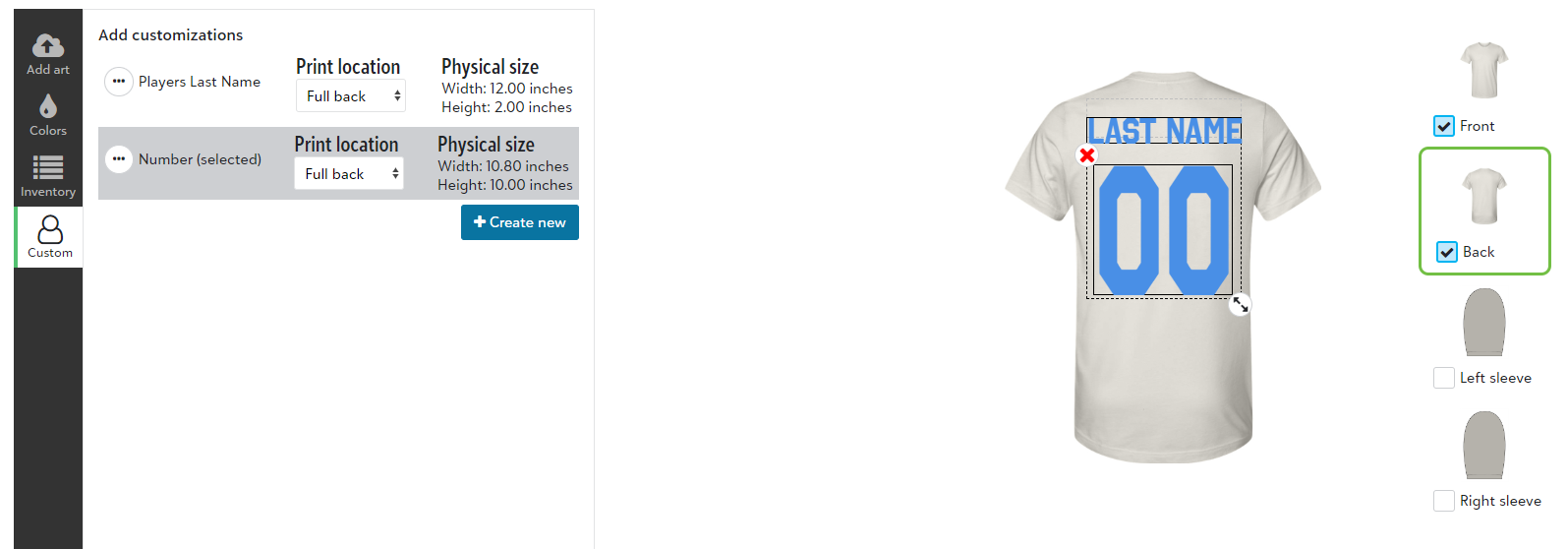
OrderMyGear (OMG) Print-on-Demand Store admins can offer customizable options such as employee name, player number, or department name on print-on-demand products fulfilled through Fulfill Engine.
Customization options include:
- Personalization: customer types in their custom value
- Static values: customer selects a value from a picklist
- Static values with personalization: customer selects a picklist value or types in their own
To learn more about adding customizable options to OMG store products, click here (requires OMG user login).
Access more Vapor Apparel products and colors
We've added 9 new Vapor Apparel products to the network catalog across men's, women's, youth, and toddler categories. We've also added new color options on existing products, including dark colors compatible for DTF decoration.
View an order's target ship date
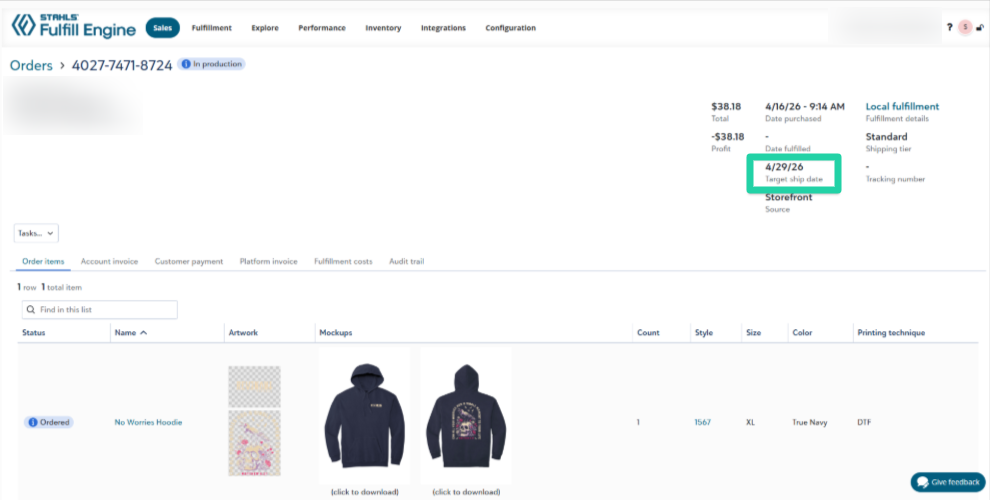
White-label storefront customers and Sales users can now view an order's target ship date, for broader visibility into expected turn times and reduced customer service inquiries.
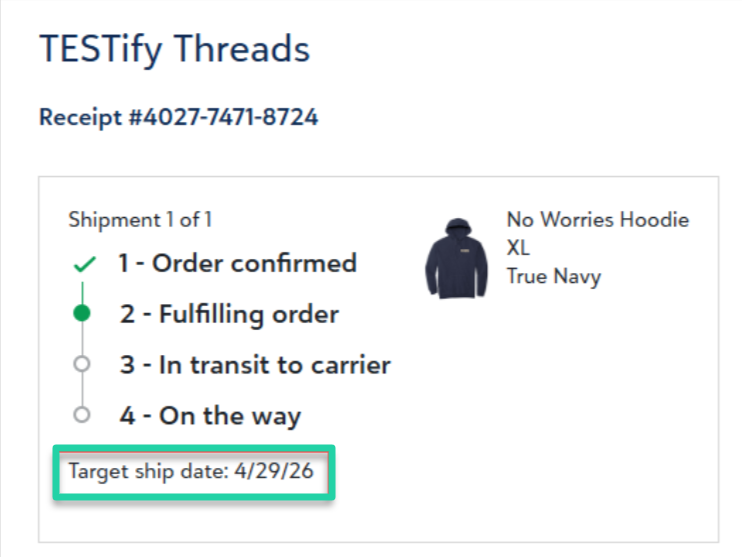
When the order is processed in a fulfillment batch, its Target ship date value is calculated and assigned.
Storefront customers can view the target ship date on the order tracking page, which is found by clicking Track and manage your order here within the order confirmation email message.
Sales users can view the target ship date in the header section of the order.
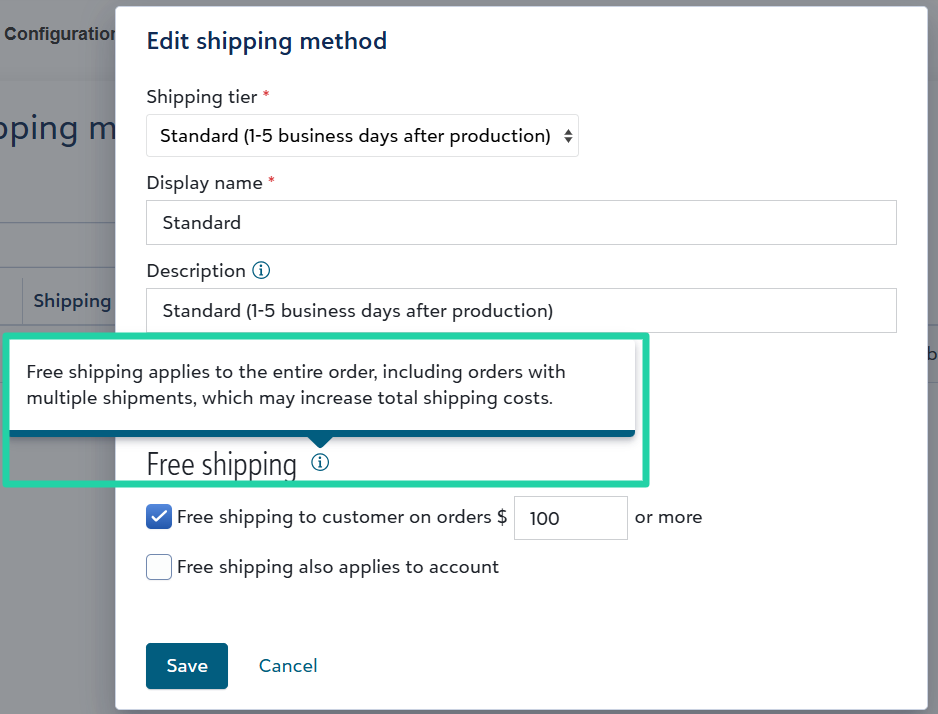
Free shipping amounts apply to multi-shipment orders
Sales admins configuring free shipping on a white-label store can view an info tip clarifying that free shipping applies to the entire order, including orders with multiple shipments.
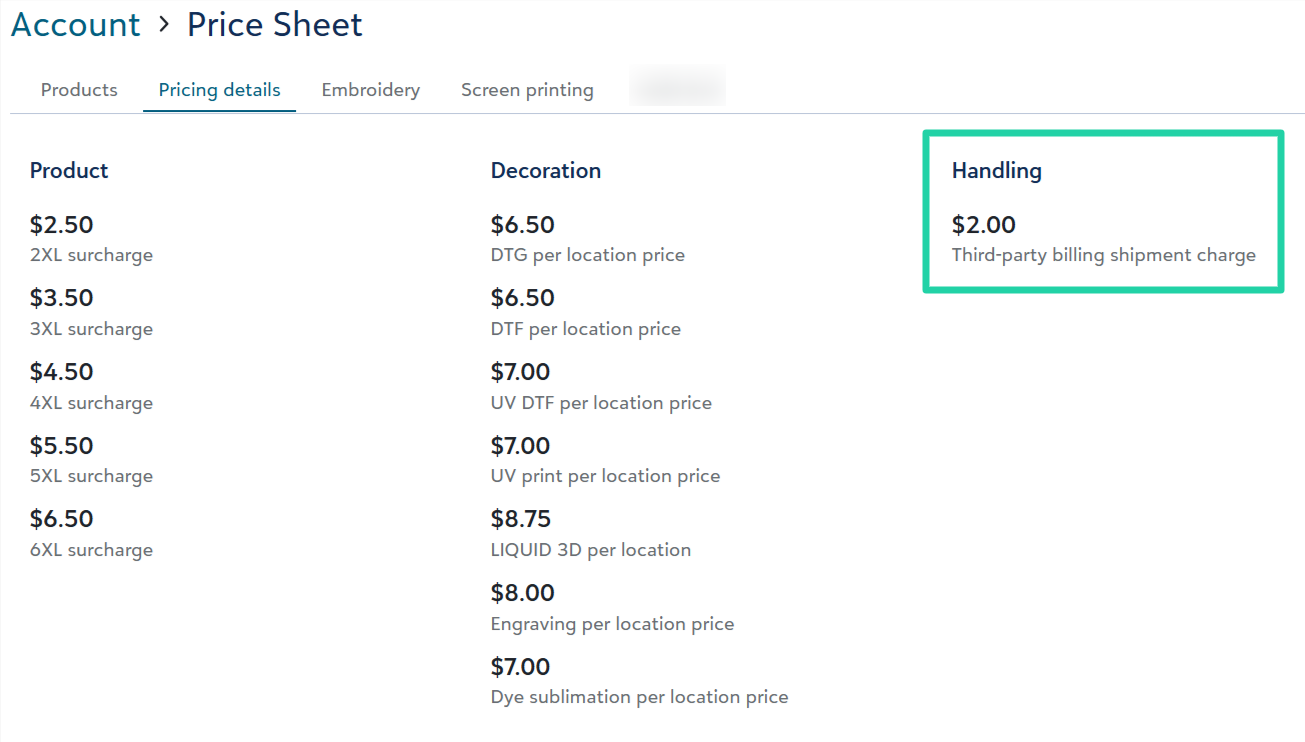
View third-party billing shipment charge amount on price sheets
Users can view the new third-party billing shipment charge amount set on a price sheet.
- Account admins can view on their account price sheet.
- Sales admins can view on their sales portal's price sheets. They can also view what Fulfill Engine would charge on their Network fulfillment pricing page.
To learn more about third-party billing including this shipment charge, review the details in last month's update.
Configure itemized sales tax reports
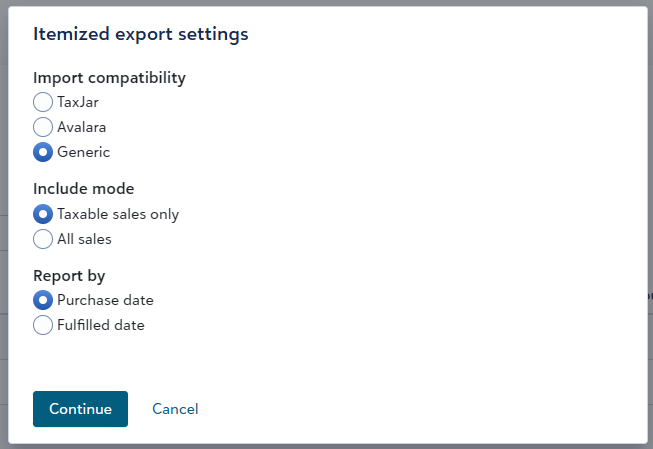
When exporting an itemized sales tax report, you can configure file settings to fit your needs.
- Import compatibility allows you to create a CSV export file that's compatible to import into your TaxJar or Avalara account. Or you can create a generic export file format.
NOTE: TaxJar and Avalara have specific requirements for their import documents. If attempting to reconcile the tax filing data against orders, we recommend using the Generic setting. All itemized tax report formats are accurate, but may represent your sales data differently.
- Include mode allows you to include all sales or only taxable sales.
- Report by allows you to include orders purchased or fulfilled in your selected date range (e.g., Last month). This setting is only available for the Generic report.
New help video: The STAHLS' Fulfill Engine Network
Watch this 5-minute video to learn more about how Fulfill Engine network decorators are vetted and managed, and how network orders are fulfilled.
Fulfillment
Add custom labels with no size
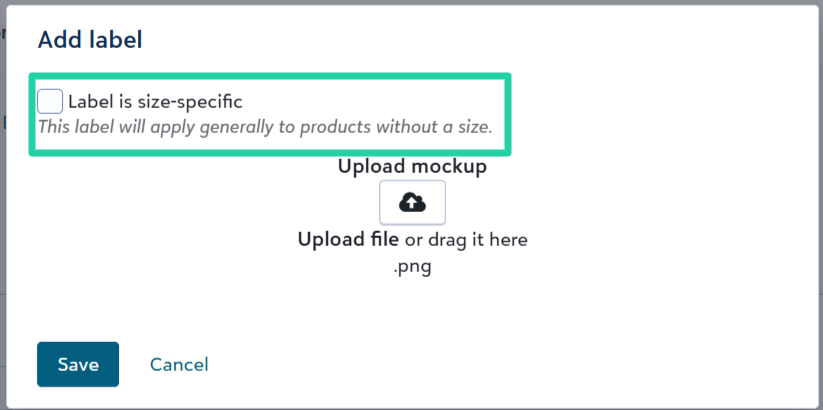
You can now add custom labels without a specific size to a store, so you can offer custom labels for store products like hats.
We’ve changed the verbiage within the custom label builder page to reflect Labels instead of Sizes and Add label instead of Add size.
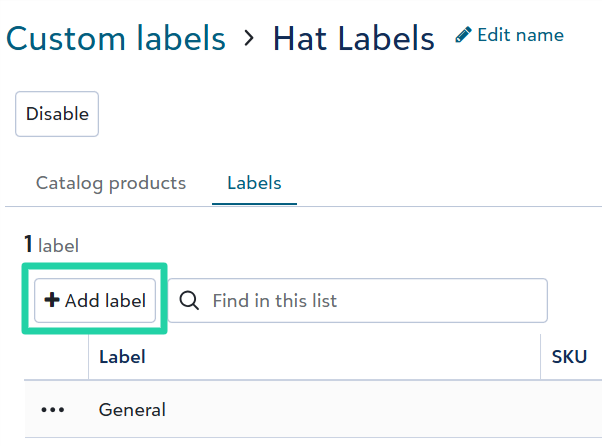
When adding a label, you can uncheck the Label is size-specific box to add an unsized label. Optionally upload a mockup for what that specific label looks like.