The feature to add multiple products allows you to streamline the product creation process when a single garment will have multiple designs with the same decoration method.
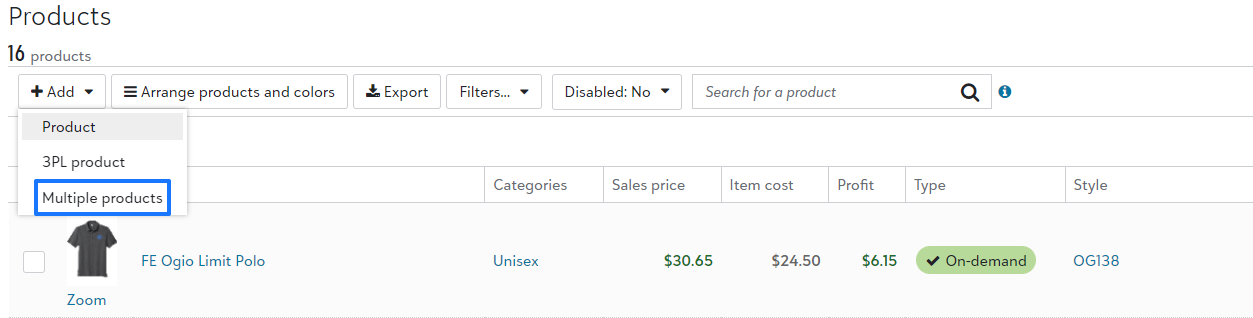
From your Products page within the store you will Add+ > Multiple products.
Then you will select a single garment as well as a single set of colors, of which you will be creating multiple products with different designs.
You will first select the decoration method, at this time, only DTF and DTG are supported. You will then mass upload all design files.
A list will be created showing the image and you will be given an opportunity to select the print location as well as size.
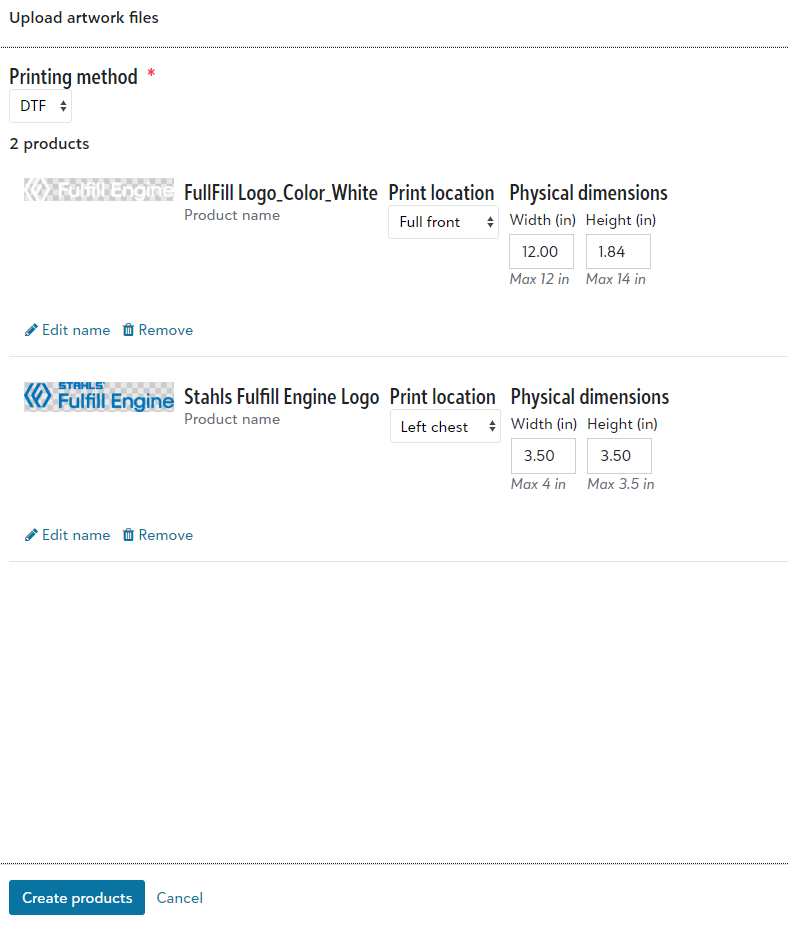
Once completed, you will select Create products. The name of the product will default to the name of the design file, which you are able to update under the product page.